
介紹
This manual provides comprehensive instructions for the AOC ACW2212 Wireless Headset. Designed for professional use, this headset offers crystal-clear calls, versatile connectivity, and all-day comfort. Please read this manual thoroughly to ensure proper usage and maintenance of your device.

Image: The AOC ACW2212 Wireless Headset, showcasing its professional design for work and communication.
設定
盒子裡有什麼
- 1 x Wireless Headset
- 1 個 USB 加密狗
- 1 x Type-C 轉 3.5mm 音訊線
- 1 根 Type-C 充電線
- 使用者手冊
為耳機充電
Before first use, fully charge the headset. Connect the provided Type-C charging cable to the headset's charging port and a power source. The LED indicator will show charging status. A full charge provides up to 30 hours of talk time. The headset can be used while charging.

Image: The headset highlighting its 30-hour talk time and 2.5-hour fast charging capability.
Video: Demonstration of the headset being used while charging, ensuring uninterrupted calls.
連線選項
The AOC ACW2212 headset offers three versatile connection methods:
- 藍牙: Pair directly with your smartphone, tablet, or Bluetooth-enabled computer.
- USB 加密狗: For devices without Bluetooth or for a more stable connection, plug the provided USB dongle into your PC or laptop. The headset will automatically connect.
- 有線連接: Use the included Type-C to 3.5mm audio cable to connect to devices with a 3.5mm audio jack.

Image: Visual representation of the headset's three connection types: Bluetooth, USB Dongle, and wired via cable.
Video: A user demonstrating the headset's hands-free calling capabilities, highlighting its ease of use for communication.
操作說明
控制和功能
The headset features intuitive controls for managing calls and audio:
- 多功能按鈕: Located on the earcup, this button is used for power on/off, pairing, answering/ending calls, and playing/pausing audio.
- 音量控制: Dedicated buttons for adjusting audio volume up or down.
- 麥克風靜音: An instant mute button is located directly on the microphone boom for quick privacy control during calls.

Image: Close-up of the headset's microphone boom, indicating the one-touch mute button for instant privacy.
麥克風的使用
The noise-canceling microphone is designed for crystal-clear voice transmission, effectively blocking out background noise. It features a 270° rotatable design, allowing you to position it optimally for voice pickup or to move it out of the way when not in use.

Image: Diagram illustrating the 270° rotation capability of the headset's microphone for flexible positioning.
Video: A user discussing the comfort and noise-canceling features of the headset, emphasizing its suitability for extended use.
舒適
The headset is designed for all-day comfort with a lightweight build, an adjustable headband, and plush memory-foam ear cushions. This ergonomic design ensures lasting comfort during long meetings or extended use.

Image: Close-up of the headset's soft protein leather earcups, highlighting their comfortable and breathable design.
維護
To ensure the longevity and optimal performance of your AOC ACW2212 Wireless Headset, follow these maintenance guidelines:
- 打掃: 使用柔軟的乾布清潔耳機。避免使用刺激性化學物質或研磨材料。
- 貯存: 請將耳機存放在陰涼乾燥處,避免陽光直射和極端溫度。
- 電池保養: 避免頻繁將電池完全放電。即使不經常使用,也應定期為耳機充電,以保持電池健康。
- 小心處理: 請勿摔落耳機或使其受到過大的外力,否則可能會損壞內部組件。
故障排除
如果您在使用耳機時遇到問題,請參考以下常見故障排除步驟:
- 無電源: Ensure the headset is fully charged. Connect it to a power source using the Type-C charging cable.
- 無音訊/音訊品質差: Check that the headset is properly connected via Bluetooth, USB dongle, or wired connection. Ensure the volume is not muted or set too low on both the headset and the connected device.
- 麥克風不工作: Verify that the microphone is not muted using the mute button on the boom. Ensure the microphone is positioned correctly and selected as the input device in your device's audio settings.
- 藍牙配對問題: Make sure the headset is in pairing mode (refer to your device's Bluetooth settings). Ensure no other devices are interfering with the Bluetooth signal.
- 間歇性連線: Try moving closer to your connected device to reduce interference. Ensure the headset is fully charged.
如需進一步協助,請聯絡客戶支援。
規格
| 特徵 | 細節 |
|---|---|
| 型號名稱 | ACW2212 |
| 品牌 | 澳奧公司 |
| 連接技術 | 有線、無線 |
| 無線通訊技術 | 藍牙 |
| 藍牙版本 | 5.4 |
| 藍牙範圍 | 32.8 英尺 |
| 噪音控制 | 被動噪聲消除 |
| 麥克風 | Included, Noise-Canceling, 270° Rotatable |
| 電池續航力(通話時間) | 長達 30 小時 |
| 充電時間 | 2.5 hours (Fast Charge) |
| 充電口 | USB Type-C |
| 耳機插孔 | 3.5 mm傑克 |
| 耳朵放置 | 貼耳式 |
| 外形尺寸 | 貼耳式 |
| 材料 | 丙烯腈丁二烯苯乙烯 (ABS) |
| 物品重量 | 11.3 盎司 |
| 相容設備 | 手機、桌上型電腦、筆記型電腦 |
保固和支持
The AOC ACW2212 Wireless Headset comes with a worry-free guarantee and reliable customer support. For any product-related inquiries, technical assistance, or warranty claims, please refer to the contact information provided in the included User Manual or visit the official AOC support web地點。
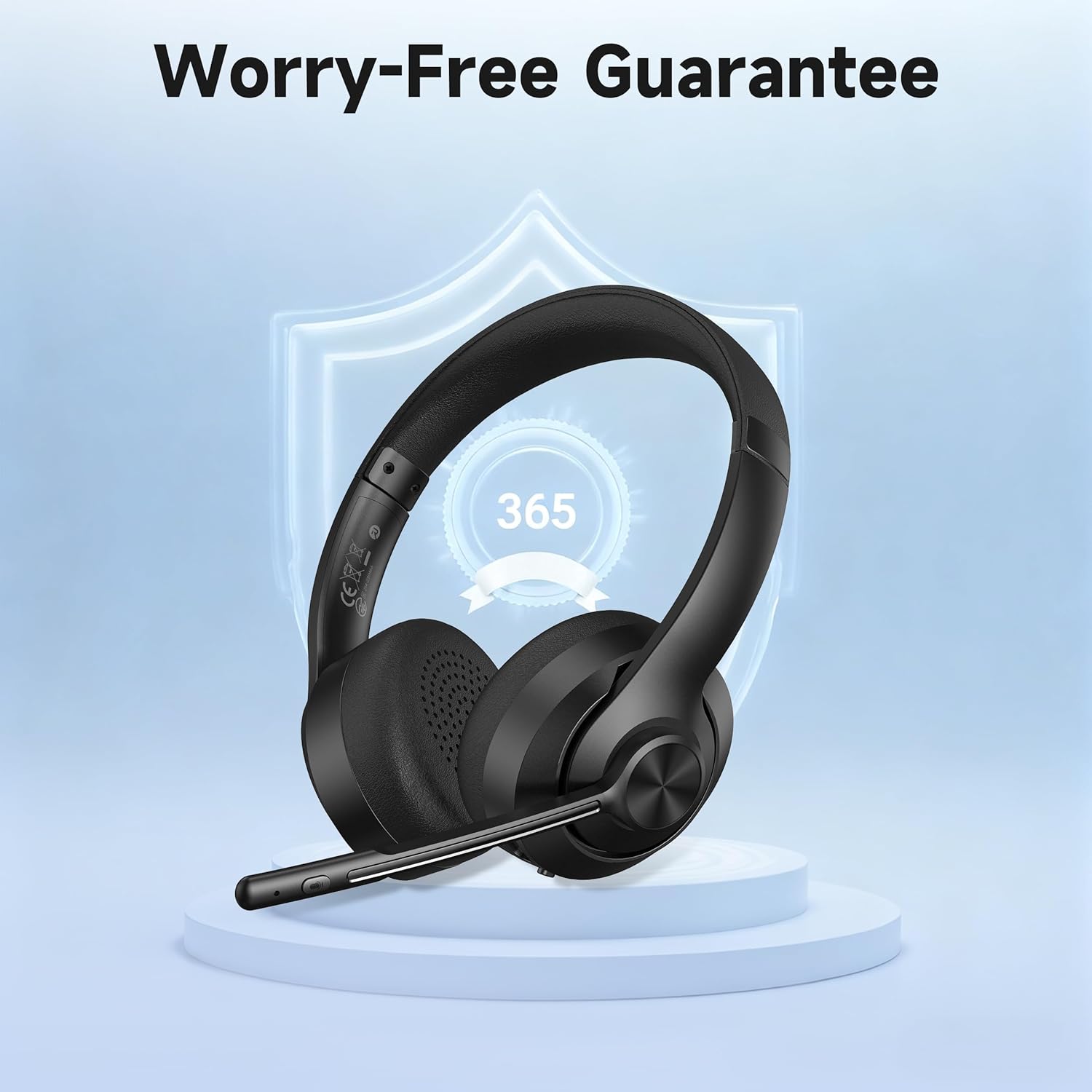
Image: The headset displayed with a shield icon, symbolizing the product's worry-free guarantee.


