
ZWP B0FDQL23FP
ZWP 2鍵5針替換遙控器使用手冊
Model: B0FDQL23FP
一、簡介
This user manual provides comprehensive instructions for the ZWP 2 Button 5 Pin Replacement Remote Control. Designed for compatibility with a wide range of lift chairs, including those from Okin, Ashley Furniture, Dewert, Flexteel, and Limoss, this remote ensures reliable operation and ease of use. Please read this manual carefully before installation and operation to ensure proper functionality and longevity of your device.
2. 產品結束view
The ZWP Replacement Remote Control is a durable and user-friendly device featuring two control buttons and a convenient USB port. It is designed with a round 5-pin male plug for easy connection to compatible lift chairs.

圖2.1: The ZWP remote control, showcasing its two buttons, USB port, and the crucial 5-pin round male connector. The inset shows a detailed view of the 5-pin plug.
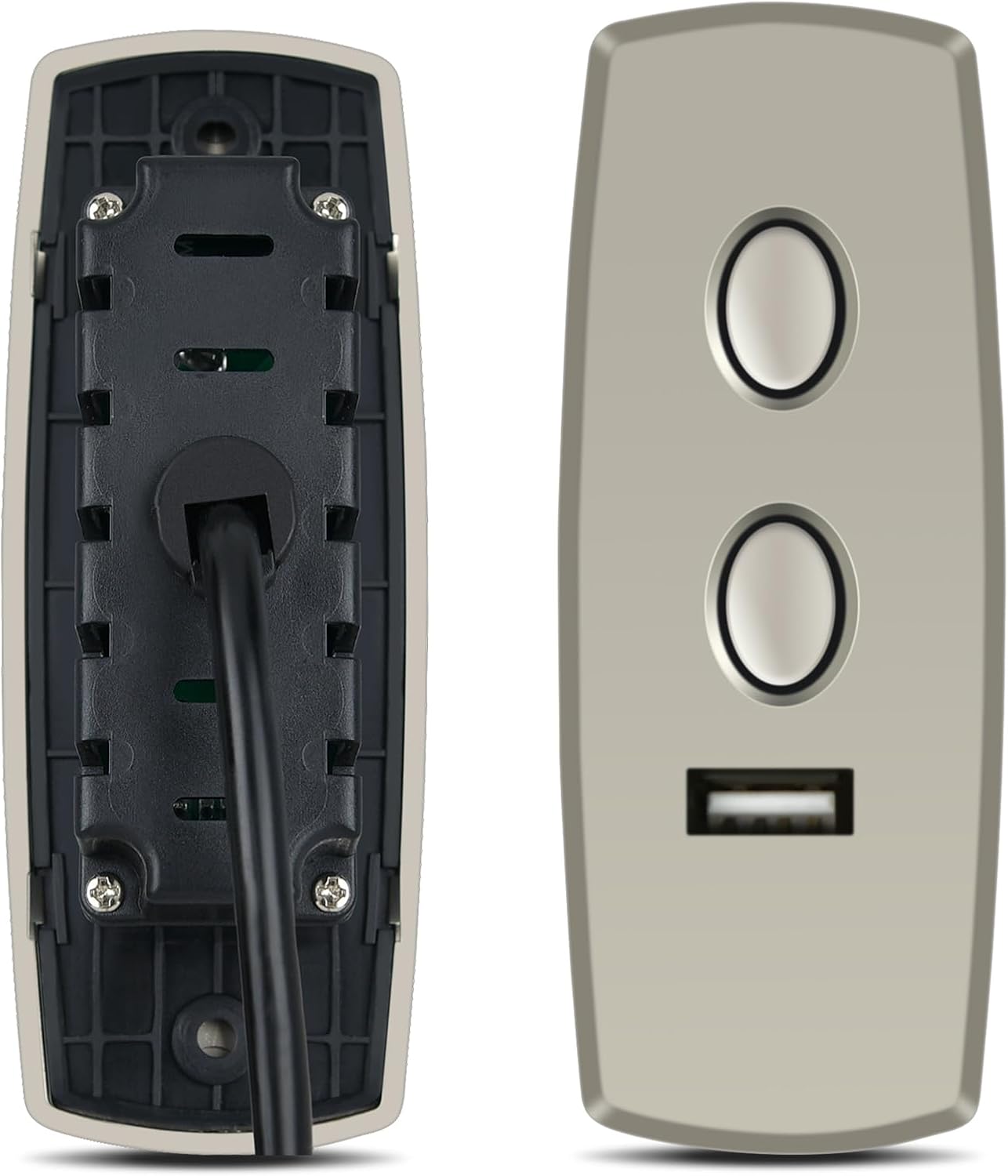
圖2.2: 前後 views of the remote control, illustrating its ergonomic design and the robust construction of the casing.
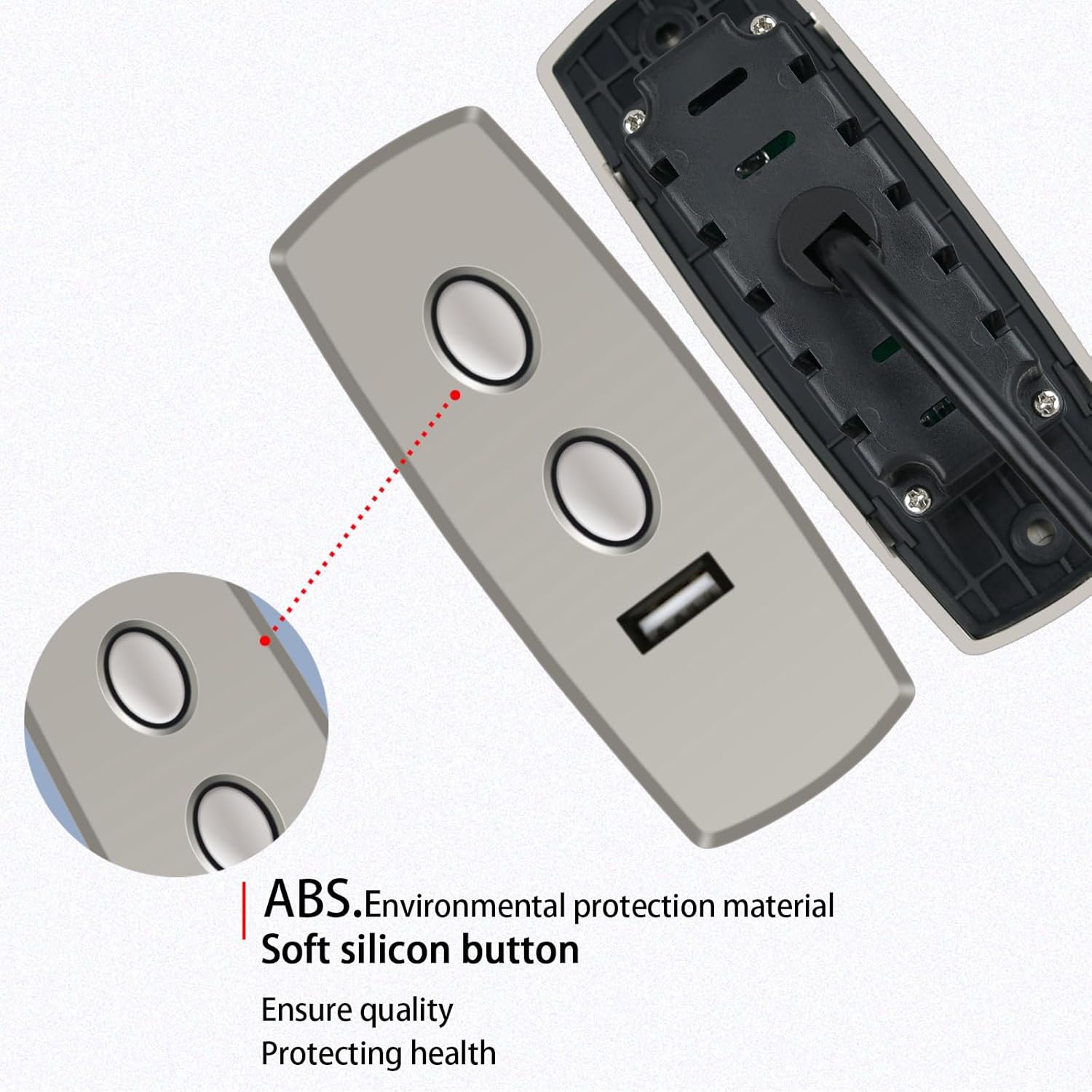
圖2.3: Detail showing the high-quality ABS environmental protection material and soft silicon buttons, designed for comfortable use and durability.
3. 設定與安裝
Installing your new ZWP remote control is a straightforward process. Follow these steps to ensure proper connection:
- 識別連接器: Locate the existing remote control cable on your lift chair. Ensure it has a round 5-pin female receptacle. This remote control is designed specifically for this type of connection.
- 驗證相容性: Before plugging in, visually confirm that the 5-pin male plug on the ZWP remote matches the configuration of your lift chair's receptacle. This remote will not fit if the plug ends are different.
- 插入: Carefully align the 5-pin male plug of the ZWP remote control with the corresponding 5-pin female receptacle on your lift chair. Gently push the plug in until it is fully seated and secure.
- 測試功能: Once connected, test the remote control by pressing the lift and recline buttons to ensure the chair responds correctly.
No additional tools or complex wiring are required for installation. The plug-and-play design makes it easy to replace your old remote.
4. 操作說明
The ZWP 2 Button 5 Pin Replacement Remote Control is designed for intuitive operation of your lift chair. It features two primary buttons for controlling the chair's movement and a USB port for added convenience.
- Lift Button: Press and hold the top button to activate the lift function, raising the chair to assist with standing. Release the button to stop the movement.
- Recline Button: Press and hold the bottom button to activate the recline function, lowering the chair into a reclined position. Release the button to stop the movement.
- USB連接埠: The integrated USB port can be used to charge compatible electronic devices. Simply plug your device's USB charging cable into the port.

圖4.1: The remote control in operation, demonstrating its effective operational distance of up to 8 meters for long-distance control of your lift chair.
5. 維護和保養
To ensure the longevity and optimal performance of your ZWP remote control, follow these simple maintenance guidelines:
- 打掃: Wipe the surface of the remote control with a soft, dry cloth. For stubborn dirt, a slightly damp 可以使用布擦拭,但請務必確保沒有水分進入設備內部。避免使用研磨性清潔劑或溶劑。
- 貯存: When not in use, store the remote in a dry place away from direct sunlight and extreme temperatures.
- 處理: 避免遙控器掉落或受到強烈撞擊,因為這可能會損壞內部組件。
- 電纜護理: Do not bend or crimp the cable excessively. Ensure the cable is not tangled or caught in the chair's mechanism.
The remote is constructed from high-quality ABS material, which is wear-resistant and durable, designed for long-term use.
6。 故障排除
If you encounter issues with your ZWP remote control, please refer to the following common problems and solutions:
| 問題 | 可能的原因 | 解決方案 |
|---|---|---|
| 遙控器無反應。 | 連接鬆脫或連接不正確。 | Ensure the 5-pin plug is fully and securely inserted into the lift chair's receptacle. Verify the plug type matches your chair's requirements. |
| Chair moves intermittently or erratically. | 電纜或內部線路損壞。 | Inspect the remote's cable for any visible damage (cuts, crimps). If damaged, replacement may be necessary. |
| USB 連接埠無法為裝置充電。 | Device incompatibility or power issue. | Ensure your device is compatible with USB charging. Check if the lift chair is powered on and functioning correctly. |
如果嘗試這些方法後問題仍然存在,請聯絡客戶支援以獲得進一步協助。
7. 規格
| 特徵 | 細節 |
|---|---|
| 品牌 | 零水壓 |
| 型號(ASIN) | B0FDQL23FP |
| 相容設備 | Lift Chair (Okin, Ashley Furniture, Dewert, Flexteel, Limoss, etc.) |
| 連接器類型 | 5 Pin Round Male Plug |
| 人機界面輸入 | 按鈕 |
| 特色 | Ergonomic design, Integrated USB port |
| 所需電池 | 不 |
| 顏色 | 黑色的 |
| 操作距離 | 最高可達8公尺(約26英尺) |
| 包裹尺寸 | 18.8 x 6.35 x 2.79 厘米(7.4 x 2.5 x 1.1 英寸) |
| 物品重量 | 58.97 克(2.08 盎司) |
8. 客戶支持
For any questions, concerns, or assistance regarding your ZWP 2 Button 5 Pin Replacement Remote Control, please do not hesitate to contact us. We are committed to helping you resolve any issues you may encounter.
Please refer to your purchase documentation or the seller's information on the platform where you purchased the product for specific contact details. Your satisfaction is our priority.
Ask a question about this manual
Ask about setup, troubleshooting, compatibility, parts, safety, or missing instructions. Manuals+ will review the question and use this page’s manual context to help answer it.