
STD29-1
UltraPods Max True Wireless Headphones User Manual
Model: STD29-1 | Brand: Generic
介紹
Thank you for choosing the UltraPods Max True Wireless Headphones. This manual provides detailed instructions on how to set up, operate, and maintain your headphones to ensure optimal performance and longevity. Please read this manual thoroughly before using the product.
盒子裡有什麼
- UltraPods Max True Wireless Headphones (Left and Right Earbuds)
- 充電盒
- 耳墊(各種尺寸)
- USB充電線
- 用戶手冊(本文檔)
產品結束view
The UltraPods Max headphones feature a compact design with an intelligent charging case. The case includes an LED digital display to show battery levels.

Image: UltraPods Max headphones and their transparent charging case, showcasin數位電池顯示器。
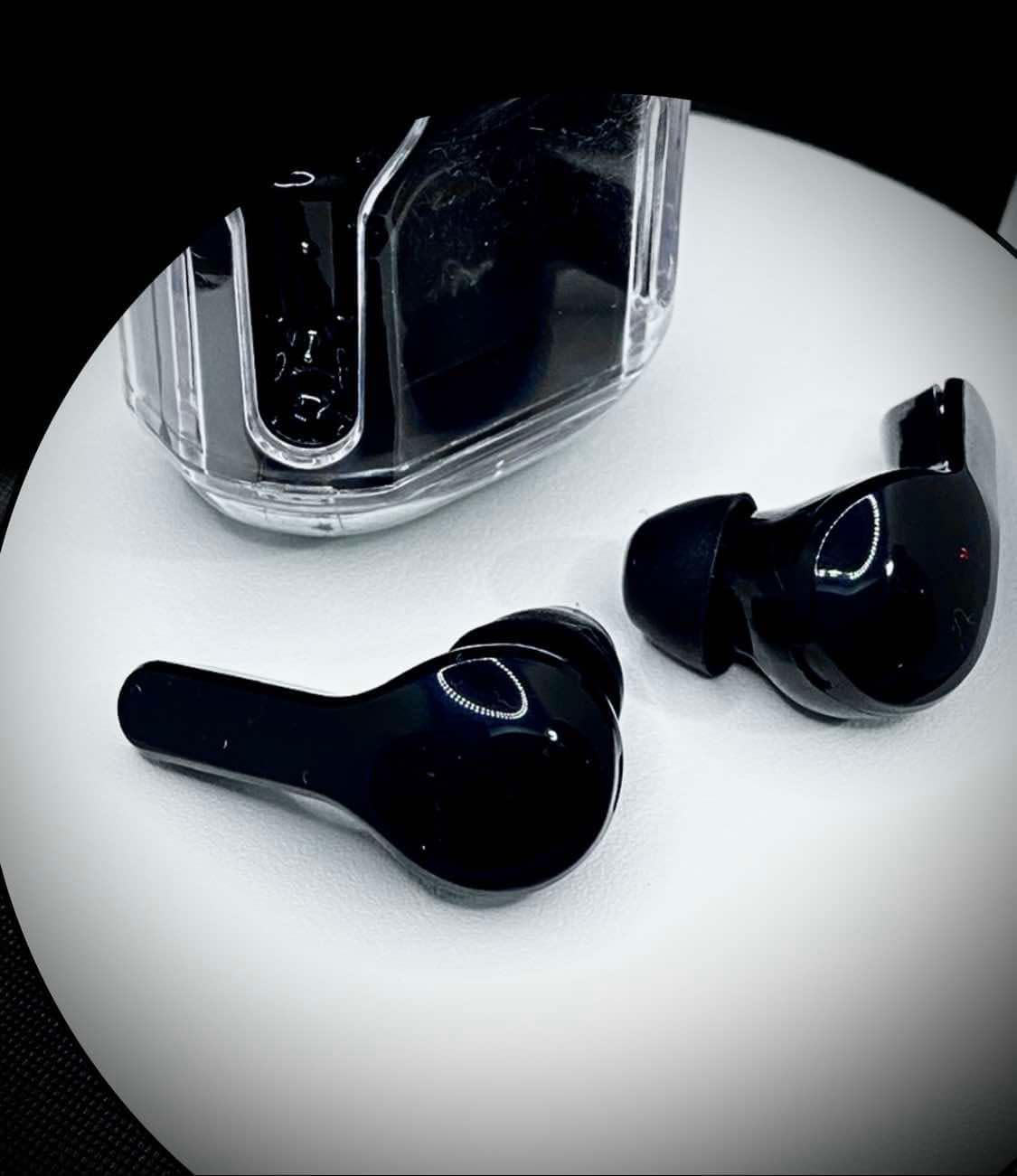
Each earbud is equipped with touch controls for easy management of audio playback, calls, and voice assistant activation. The earbuds are designed for a comfortable in-ear fit and are water-resistant for active use.

圖片:自上而下 view of the UltraPods Max earbuds placed next to their charging case, highlighting their sleek design.
設定
1. 初始充電
Before first use, fully charge the UltraPods Max and their charging case.
- 將兩個耳塞放入充電盒中。
- 使用提供的 USB 連接線將充電盒連接至 USB 電源。
- The LED digital display on the charging case will show the charging progress. A full charge is indicated when the display shows 100 or stops blinking.
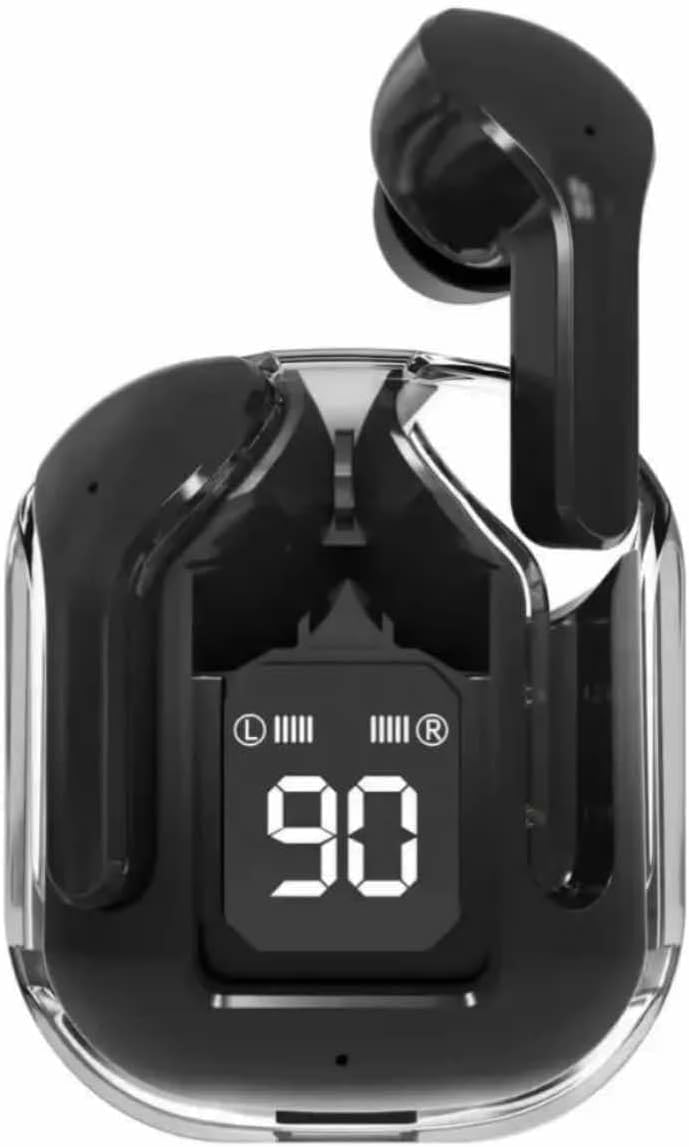
Image: The UltraPods Max charging case with earbuds inside, displaying the battery percentage on its LED screen, indicating charging status.
2. 與您的裝置配對
The UltraPods Max feature automatic pairing for seamless connection.
- 確保耳塞已充電。
- 打開充電盒。耳機將自動進入配對模式。
- 在您的裝置(智慧型手機、平板電腦等)上,進入藍牙設定並開啟藍牙。
- 搜尋 "UltraPods Max" in the list of available devices and select it to connect.
- 連接後,您將聽到確認音,然後耳機就可以使用了。
- 後續使用時,耳機從充電盒中取出後會自動連接到上次配對的裝置。
操作說明
觸控控制
The UltraPods Max utilize smart touch controls for various functions. Refer to the diagram below for specific actions.
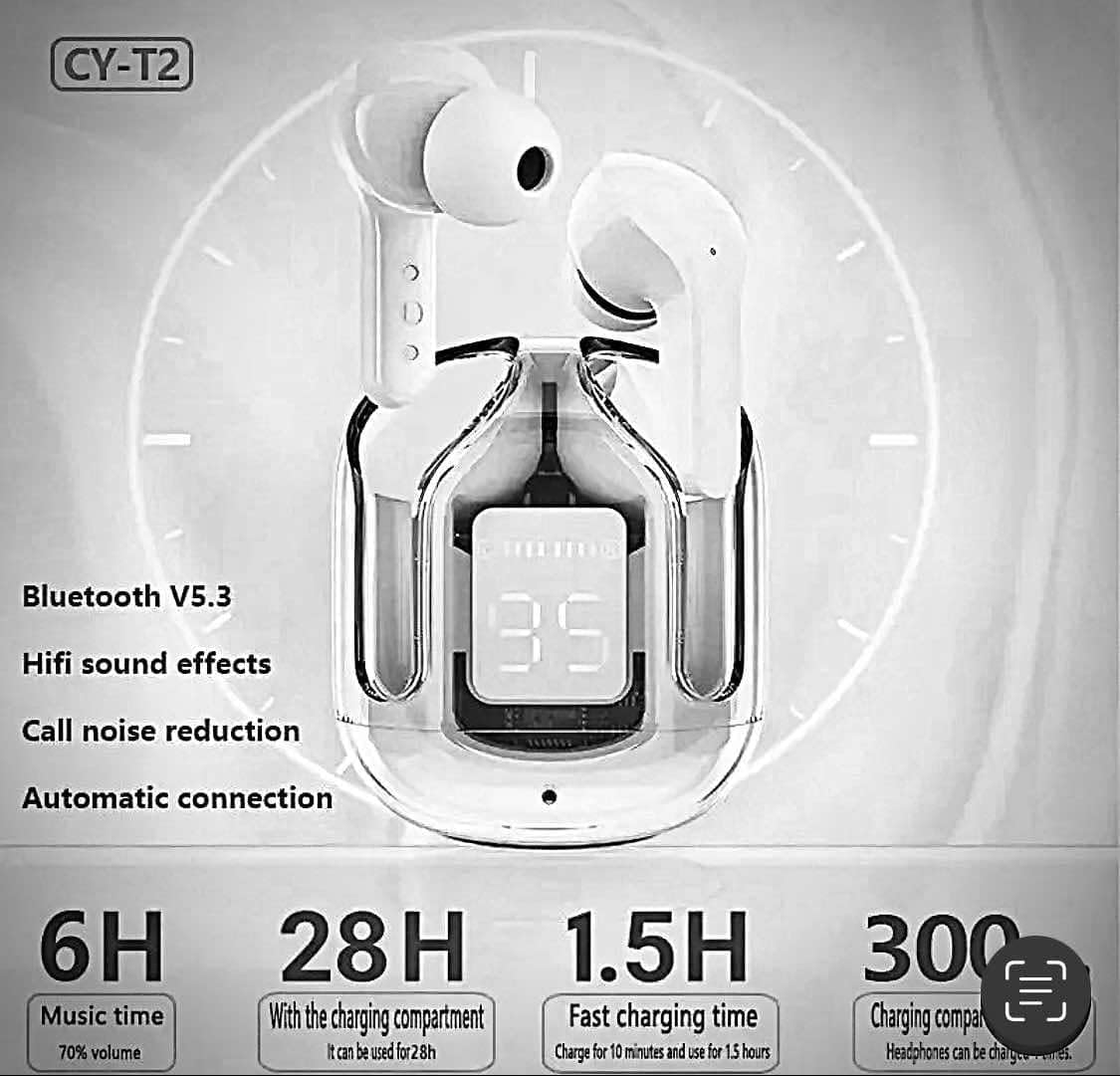
Image: A visual guide illustrating the touch control functions on the UltraPods Max earbuds, including actions for calls, music playback, volume, and voice assistant activation.
- 接聽/掛斷電話: 雙擊任一耳塞。
- 拒絕來電: 長按任一耳塞。
- 播放/暫停音樂: 雙擊任一耳塞。
- 下一曲目: 輕按三次右耳塞。
- 上一曲目: 三擊左耳塞。
- 提高音量: 點擊右側耳塞。
- 音量減小: 點擊左側耳塞。
- 啟用語音助理(Siri/Google Assistant): 長按任一耳塞 2 秒。
有源噪聲消除(ANC)
The UltraPods Max are equipped with Active Noise Cancellation technology to reduce ambient noise for an immersive listening experience.
圖片:爆炸 view diagram illustrating the internal components responsible for Dual Mic ENC Noise Cancelling, showing how environmental noise is suppressed.
ANC is automatically active when the earbuds are in use. There is no manual toggle for ANC on these specific models based on the provided information. The dual microphone ENC (Environmental Noise Cancellation) system works to effectively suppress 90% of reverse environmental noise during calls and playback.
維護
打掃
- 使用柔軟、乾燥、不起毛的布清潔耳塞和充電盒。
- 請勿使用研磨性清潔劑、酒精或化學溶劑。
- 輕輕清潔耳塞和揚聲器網罩,去除耳垢或碎屑。
貯存
- 不使用耳機時,請將其存放在充電盒中,以保護耳機並保持電力充足。
- 避免在極端溫度(過熱或過冷)或高濕度環境下儲存。
耐水性
The UltraPods Max have an IPX4 water-resistant rating, meaning they can withstand sweat and light rain. They are not designed for swimming or submersion in water. Ensure the earbuds are dry before placing them back into the charging case to prevent damage.
故障排除
| 問題 | 可能的原因 | 解決方案 |
|---|---|---|
| 耳機無法配對/連接 | Low battery; Bluetooth off; Out of range; Pairing issue. | Charge earbuds and case; Ensure Bluetooth is on; Move closer to device; Forget "UltraPods Max" in device's Bluetooth settings and re-pair. |
| 一隻耳塞沒有聲音 | Low battery; Earbud not properly connected; Software glitch. | Ensure both earbuds are charged; Place both earbuds back in the case, close, then reopen; Restart your device. |
| 充電盒不充電 | 電纜/適配器故障;充電埠髒污。 | 嘗試更換USB數據線和電源轉接器;輕輕清潔充電口。 |
| 音質差 | Earbuds not seated properly; Debris in speaker; Interference. | Adjust earbud position; Clean speaker mesh; Move away from sources of interference (e.g., Wi-Fi routers). |
規格
| 型號名稱 | Ultrapods Max |
| 產品型號 | STD29-1 |
| 連接技術 | 藍牙、無線 |
| 藍牙版本 | 5.3 |
| 噪音控制 | 主動降噪 (ENC) |
| 防水等級 | IPX4(防水) |
| 控制類型 | 觸控控制 |
| 音訊驅動類型 | 動態驅動器 |
| 頻率範圍 | [20 Hz - 20,000 Hz] |
| 阻抗 | 80歐姆 |
| 材料 | 塑膠、矽膠 |
| 物品重量 | 1.76 盎司 |
| 相容設備 | Cellphones, iPhone, Samsung |
保固和支持
Specific warranty information for the UltraPods Max True Wireless Headphones is not provided in this manual. For details regarding warranty coverage, technical support, or service inquiries, please refer to the product packaging or contact the retailer where the product was purchased.
You may also visit the manufacturer's or seller's official web取得最新支援資訊的網站。
Ask a question about this manual
Ask about setup, troubleshooting, compatibility, parts, safety, or missing instructions. Manuals+ will review the question and use this page’s manual context to help answer it.