
iPhone 16 簡介
Welcome to your new iPhone 16. This manual is designed to help you understand and effectively use your device, whether you are a new iPhone user or looking to master advanced features. Follow these instructions to get the most out of your iPhone 16.
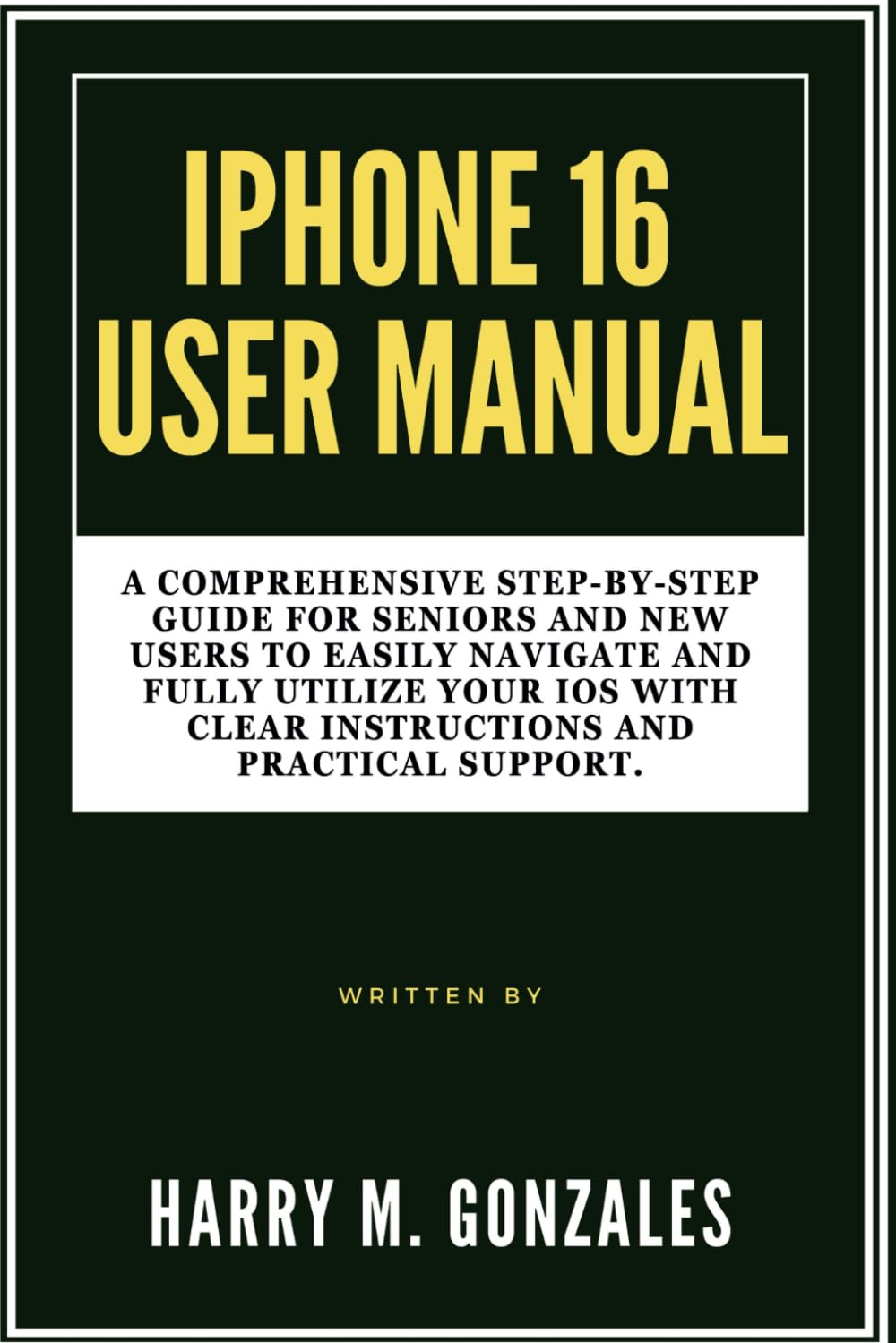
Image: Front cover of the iPhone 16 User Manual, providing a visual reference for the guide.
Setup: Getting Started with Your iPhone 16
Setting up your iPhone 16 is a straightforward process. This section guides you through the initial steps to activate and personalize your device.
- 開機: 按住側邊按鈕直到出現 Apple 標誌。
- 初始配置: 依照螢幕上的指示選擇您的語言、地區,並連線到 Wi-Fi 網路。
- 資料傳輸: Choose to restore from an iCloud or computer backup, or set up as a new iPhone.
- 蘋果 ID: Sign in with your Apple ID or create a new one. This is essential for accessing the App Store, iCloud, and other Apple services.
- Face ID/Touch ID & Passcode: Set up Face ID (facial recognition) or Touch ID (fingerprint sensor) and create a strong passcode for security.
- Siri & Analytics: Configure Siri and decide whether to share analytics data with Apple.
- 軟體更新: Ensure your iPhone is running the latest iOS version for optimal performance and security.
操作你的 iPhone 16
This section covers the essential functions and features of your iPhone 16, helping you navigate its interface and utilize its capabilities.
Customization and Organization
Personalize your iPhone 16 to suit your preferences and organize your apps for easy access.
- 更換壁紙: 前往 Settings > Wallpaper to choose a new background for your Lock Screen and Home Screen.
- 組織應用程式: Tap and hold an app icon until it jiggles, then drag it to rearrange, create folders, or delete.
- 小工具: Add widgets to your Home Screen or Today View for quick information at a glance.
來電和留言
Learn how to communicate effectively using your iPhone 16.
- 撥打電話: 打開 電話 應用程序,點擊 鍵盤, enter the number, and tap the green call button.
- 發送訊息: 打開 留言 app, tap the new message icon, enter a contact or number, and type your message.
- 面對面通話: Use FaceTime for video or audio calls with other Apple device users.
相機功能
Capture stunning photos and videos with your iPhone 16 camera.
- 拍照: 打開 相機 app, select Photo mode, and tap the shutter button.
- 錄製視頻: Switch to Video mode in the 相機 app and tap the record button.
- 編輯: Use the built-in Photos app to crop, adjust colors, and apply filters to your media.
Internet and Apps
Connect to the internet and explore the vast world of applications.
- 無線網路連線: 前往 設定 > 無線網路 並選擇您的網路。
- 瀏覽: 使用 狩獵之旅 app to browse the web 安全。
- 應用程式商店: 從此處下載新應用程式 應用程式商店 to enhance your iPhone's functionality.
Contacts and Calendar Management
Keep your contacts organized and manage your schedule efficiently.
- 新增聯絡人: 打開 聯絡方式 app, tap the '+' icon, and fill in the contact details.
- Calendar Events: 使用 日曆 app to create events, set reminders, and manage your schedule.
最佳化設定
Adjust various settings to improve your iPhone's performance, privacy, and battery life.
- 通知: Customize app notifications in 設定 > 通知.
- 電池壽命: Monitor battery usage and enable Low Power Mode in 設置 > 電池.
- 隱私: Review and adjust privacy settings for location services, photos, and more in Settings > Privacy & Security.
Maintenance: Keeping Your iPhone 16 in Top Condition
Regular maintenance ensures your iPhone 16 remains functional and secure.
- 軟體更新: Always install the latest iOS updates to benefit from new features, security patches, and performance improvements. Go to 設定 > 常規 > 軟體更新.
- 備份資料: 定期將 iPhone 資料備份到 iCloud 或電腦,以防止資料遺失。
- 清潔您的設備: Use a soft, lint-free cloth to gently clean your screen and device exterior. Avoid harsh chemicals.
- 管理存儲: 定期檢查您的儲存空間使用量(設定 > 通用 > iPhone 存儲) and delete unnecessary apps or files.
常見問題故障排除
This section provides solutions for common problems you might encounter with your iPhone 16.
- 設備無回應: If your iPhone is frozen, perform a force restart. For iPhone 8 or later: Press and quickly release the Volume Up button. Press and quickly release the Volume Down button. Then, press and hold the side button until you see the Apple logo.
- 應用程式崩潰: Close the app by swiping up from the bottom of the screen (or double-clicking the Home button on older models) to open the App Switcher, then swipe the app up to close it. Reopen the app. If the issue persists, try reinstalling the app.
- Wi-Fi/蜂窩網路連線問題: Try toggling Wi-Fi or Cellular Data off and on in Control Center or Settings. If the problem continues, reset network settings (設定 > 一般 > 傳輸或重置 iPhone > 重置 > 重置網路設置).
- 電池電量快速耗盡: 檢查電池使用情況 設置 > 電池 to identify apps consuming the most power. Enable Low Power Mode or adjust background app refresh settings.
- 儲存空間已滿: Delete unused apps, photos, and videos. Offload apps you don't use frequently (設定 > 通用 > iPhone 存儲).
規格
Key specifications related to this user manual and the iPhone 16 it describes.
| ASIN | B0DFHMMS4X |
| 出版商 | 獨立出版 |
| 出版日期 | 28 年 2024 月 XNUMX 日 |
| 語言 | 英語 |
| 打印長度 | 118頁 |
| ISBN-13 | 979-8337641362 |
| 物品重量 | 8.2 盎司 |
| 方面 | 6 x 0.27 x 9 英寸 |

Image: Back cover of the iPhone 16 User Manual, showing the ISBN barcode 9798337641362.
保固和支持
This manual provides guidance for the iPhone 16. For specific warranty information and official support regarding the iPhone 16 device, please refer to Apple's official web或直接聯絡蘋果支援。
- 蘋果官方支援: 訪問 support.apple.com/iphone 如需查看全面的支援文章、故障排除指南和聯絡方式,請造訪此處。
- 保固資訊: Details regarding your iPhone 16's limited warranty can be found on Apple's official web網站或設備設定中的 Settings > General > About > Limited Warranty.