
CO-Z HP2305IN1
CO-Z 5-in-1 Heat Press Machine User Manual
Model: HP2305IN1 | Brand: CO-Z
介紹
This manual provides comprehensive instructions for the safe and efficient operation of your CO-Z 5-in-1 Heat Press Machine. Please read this manual thoroughly before initial use and retain it for future reference.
產品結束view
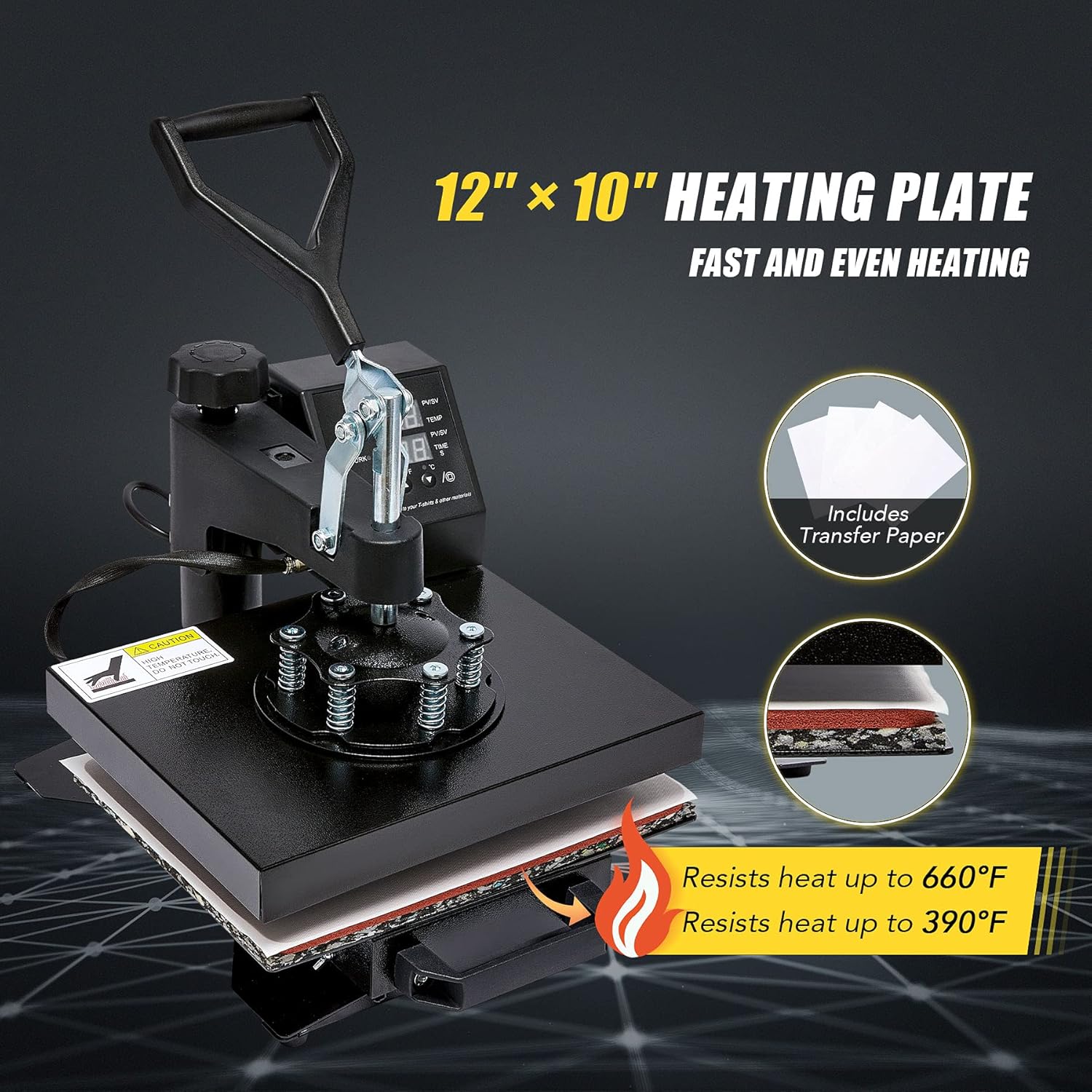
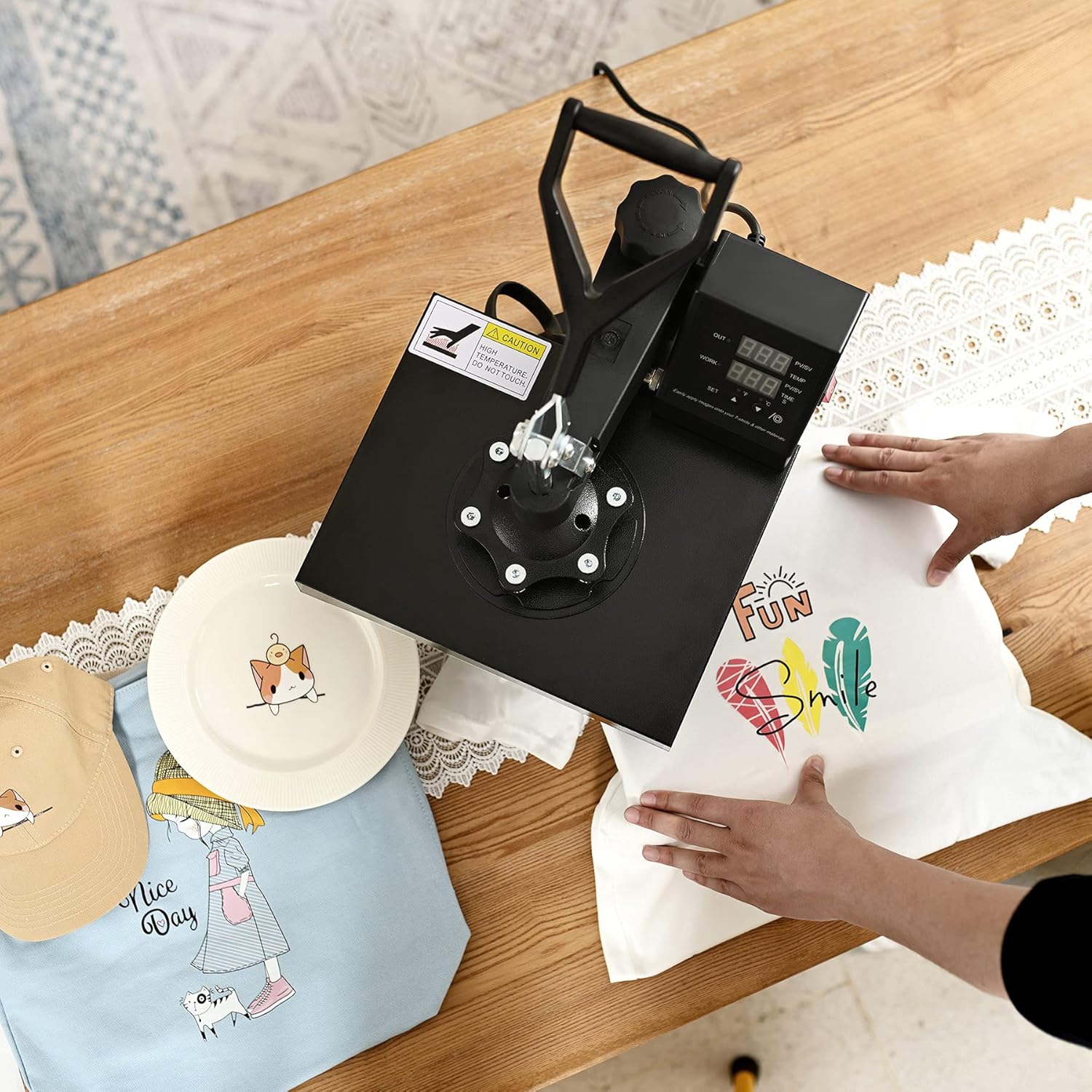
The CO-Z 5-in-1 Heat Press Machine is a versatile tool designed for transferring designs onto various materials. It features a large flat platen for items like T-shirts, mouse pads, and phone cases, along with four specialized attachments for curved surfaces such as mugs, caps, and plates.
- 五合一多功能性: Includes attachments for T-shirts, mugs, caps, and plates, expanding creative possibilities.
- 直觀控制: Features dual LED displays for precise temperature (up to 482°F / 250°C) and time (up to 999 seconds) settings.
- 擺動式設計: The platen swings 360 degrees, reducing the risk of accidental contact with the heated element.
- 可調壓力: A star knob allows for quick and easy adjustment of pressure for various material thicknesses.
- 安全特點: Durable rails for smooth lower plate movement help prevent burns.

This image displays the complete CO-Z 5-in-1 Heat Press Machine, showcasing the main flat press, along with the included attachments for pressing mugs, caps, and plates. Two white T-shirts and transfer paper are also visible, indicating the machine's primary use.
安全須知
- 務必在穩定、耐熱的表面上操作熱壓機。
- Keep hands and fingers clear of the heating element and platen during operation.
- Do not touch the heated platen directly. Use heat-resistant gloves if necessary.
- Ensure proper ventilation in the work area to dissipate heat and any fumes from materials.
- 不使用機器或清潔維護前,請拔掉電源插頭。
- 請將其放在兒童和寵物接觸不到的地方。
- 如果電源線或插頭損壞,請勿操作機器。
- 本設備僅供室內使用。
包裝內容
確認包裹內所有物品齊全:
- CO-Z Heat Press Machine (Main Unit with Flat Platen)
- 瓶蓋壓合附件
- 馬克杯壓模附件
- Plate Press Attachments (2 sizes: 5" and 6")
- 電源線
- 用戶手冊(本文檔)
- 2 T-shirts (for initial testing/practice)
- 4 Heat Transfer Sheets

This image illustrates the comprehensive package contents, featuring the main heat press unit, the cap press, mug press, and two plate press attachments. Also shown are two white T-shirts and several sheets of transfer paper, highlighting the ready-to-use nature of the kit.
設定
- 拆箱: 小心地從包裝中取出所有組件。
- 放置: Place the main heat press unit on a sturdy, level, and heat-resistant surface. Ensure there is adequate space around the machine for safe operation and heat dissipation.
- 連接顯示單元: Install the dual display screen unit onto the main machine. Connect the power cord to the display unit.
- 電源連接: 將電源線插入接地電源插座。
- 附件安裝: For specific applications (mugs, caps, plates), install the appropriate attachment by following the instructions in the 'Operating Instructions' section.
This video demonstrates the initial setup of the CO-Z Heat Press Machine, including connecting the display unit and power cord. It also provides a visual guide on how to adjust temperature and time settings, and shows the process of heat pressing designs onto T-shirts, caps, mugs, and plates.
This image provides a labeled diagram of the heat press machine, identifying key components such as the Pressure Handle, Height Regulator, Time & Temperature Control Box, Power Switch, Heat Pad, and Slide Rails. This helps users familiarize themselves with the machine's parts.
操作說明
一般操作
- 開機: 將電源開關撥到“開”的位置。
- 設定溫度: Press the 'SET' button once. Use the '▲' or '▼' arrows to adjust the desired working temperature. Press 'SET' again to confirm. The temperature range is up to 482°F (250°C).
- 設定時間: Press the 'SET' button twice. Use the '▲' or '▼' arrows to adjust the desired heating duration (up to 999 seconds). Press 'SET' again to confirm.
- 預熱: Allow the machine to reach the set temperature. The 'OUT' display will show the current temperature, and 'WORK' will show the set temperature.
- 準備物品: Place your item (e.g., T-shirt, mug, cap) onto the appropriate lower pad or attachment. Ensure it is flat and smooth.
- 位置設計: Place your transfer design (e.g., heat transfer vinyl, sublimation paper) onto the item, ensuring it is correctly aligned.
- 按: Lower the heating platen firmly onto the item. The timer will begin counting down.
- 刪除項目: Once the timer reaches zero, lift the heating platen and swing it away from the item. Carefully remove the item and allow it to cool.
具體應用
The CO-Z Heat Press Machine comes with various attachments for different items:
T-Shirt/Flat Press (12 x 10 Inch)
Ideal for T-shirts, mouse pads, phone cases, and other flat objects.
- Ensure the flat platen is installed.
- Place the T-shirt or flat item on the lower silicone pad.
- 擺放您的設計。
- Lower the heating platen and apply pressure.
- 推薦設定: Refer to your transfer material's specific instructions. Typical settings are 350-380°F for 20-30 seconds.

This image illustrates the four-step process of heat pressing a T-shirt. Step 1 shows placing the item on the lower pad, Step 2 shows placing the design over the item, Step 3 shows lowering the heating platen, and Step 4 shows removing the platen and allowing the item to cool, revealing the transferred design.
Cap/Hat Press
Customize headwear with ease.
- Replace the flat platen with the cap press attachment.
- Place the cap onto the curved lower platen.
- Position your design on the cap.
- Lower the upper curved platen and apply pressure.
- 推薦設定: Typical settings are 330-350°F for 40 seconds.

This image focuses on the cap/hat heat press attachment, showing its curved design suitable for pressing designs onto various types of headwear.
Mug/Cup Press (11 oz.)
Create personalized mugs and cups.
- Replace the flat platen with the mug press attachment.
- Insert the mug into the mug press.
- Secure the mug and apply pressure.
- 推薦設定: Typical settings are 330-380°F for 30 seconds.

This image displays the mug/cup heat press attachment, designed to securely hold and heat mugs for sublimation or heat transfer applications.
Plate Press (5" & 6")
Personalize ceramic plates.
- Replace the flat platen with the appropriate size plate press attachment.
- Place the plate onto the lower circular pad.
- 擺放您的設計。
- Lower the upper circular platen and apply pressure.
- 推薦設定: Typical settings are 330-380°F for 30 seconds.
This image shows the plate heat press attachment, which consists of a circular heating element and a corresponding lower pad, designed for transferring designs onto plates.
維護
- 打掃: After each use, allow the machine to cool completely. Wipe down the heating platen with a soft, damp 布。請勿使用磨蝕性清潔劑或溶劑。
- 貯存: 將熱壓機存放在乾燥、無塵的環境中。
- 定期檢查: Periodically check the power cord for any signs of damage. Ensure all bolts and connections are secure.
- 聚四氟乙烯塗層: The platen has a Teflon coating. Avoid scratching it with sharp objects. If the coating wears off, consider using a Teflon sheet or replacing the platen.
故障排除
| 問題 | 可能的原因 | 解決方案 |
|---|---|---|
| 機器無法開機。 | 電源線未連接;電源開關已關閉;斷路器跳脫。 | Ensure power cord is securely plugged in. Turn power switch on. Check and reset circuit breaker if necessary. |
| 溫度未達設定值。 | 溫度設定不正確;加熱元件故障。 | 請檢查溫度設定。如果問題仍然存在,請聯絡客戶支援。 |
| 設計圖無法正確傳輸。 | Incorrect temperature/time; insufficient pressure; wrong transfer paper/material. | Adjust temperature and time according to material instructions. Increase pressure using the adjustment knob. Ensure correct transfer material is used. |
| 熱量分佈不均勻。 | Platen not level; worn heating element. | Ensure machine is on a flat surface. If problem persists, contact customer support. |
規格
- 模型: HP2305IN1
- 品牌: CO-Z
- 力量: 900W
- Flat Platen Size: 12 x 10 英寸
- 最高溫度: 482°F (250°C)
- Max Time Setting: 999秒
- Max Object Thickness: 4英寸
- 產品尺寸: 11.8 x 9.8 x 19.3 英寸
- 物品重量: 33.1磅
- 認證: FCC & CE 認證
保固和支持
CO-Z products are designed for durability and performance. For warranty information, technical support, or replacement parts, please contact CO-Z customer service through their official website or the retailer where the product was purchased. Please have your model number (HP2305IN1) and purchase date available when contacting support.
欲了解更多信息,請訪問 CO-Z Store on Amazon.
Ask a question about this manual
Ask about setup, troubleshooting, compatibility, parts, safety, or missing instructions. Manuals+ will review the question and use this page’s manual context to help answer it.