
介紹
Thank you for choosing the Uncaged Ergonomics Rise Up Electric Standing Desk. This manual provides essential information for the safe and efficient assembly, operation, and maintenance of your new adjustable height desk. Please read these instructions carefully before use and retain them for future reference.

Image: The Rise Up Electric Standing Desk with a black bamboo desktop and gray frame.
安全資訊
為確保安全操作並防止損壞,請注意以下事項:
- Ensure all cables are properly connected and secured before operation.
- 調整桌子高度時,請讓兒童和寵物遠離桌子。
- 請勿使桌子超載。最大承重為 250 磅(113 公斤)。
- Avoid placing objects that could be damaged by movement under the desk.
- 請勿坐在或站在桌架上。
- 如果桌子發出異常噪音或移動,請停止使用並查閱故障排除部分。
- 請僅使用所提供的電源轉接器和控制面板。
包裝內容
組裝前請確認所有零件齊全:
- Electric Desk Frame (Gray)
- 48x30 inch Solid Bamboo Desktop (Black)
- 控制箱
- 帶內存預設的控制面板
- 電源適配器和電纜
- 組裝配件(螺絲、工具)
- 使用說明書(本文件)
組裝說明
Assembly requires careful attention to detail. A second person may be helpful due to the weight of the components. A drill can simplify the process, though it is not strictly required.
步驟 1:拆開組件
小心地將所有部件從包裝中取出。將它們平鋪在乾淨柔軟的表面上,以防刮傷。
步驟二:組裝桌子框架
Follow the detailed diagrams provided in the separate assembly guide (if included) to connect the crossbar, lifting columns, and feet of the desk frame. Ensure all screws are tightened securely.
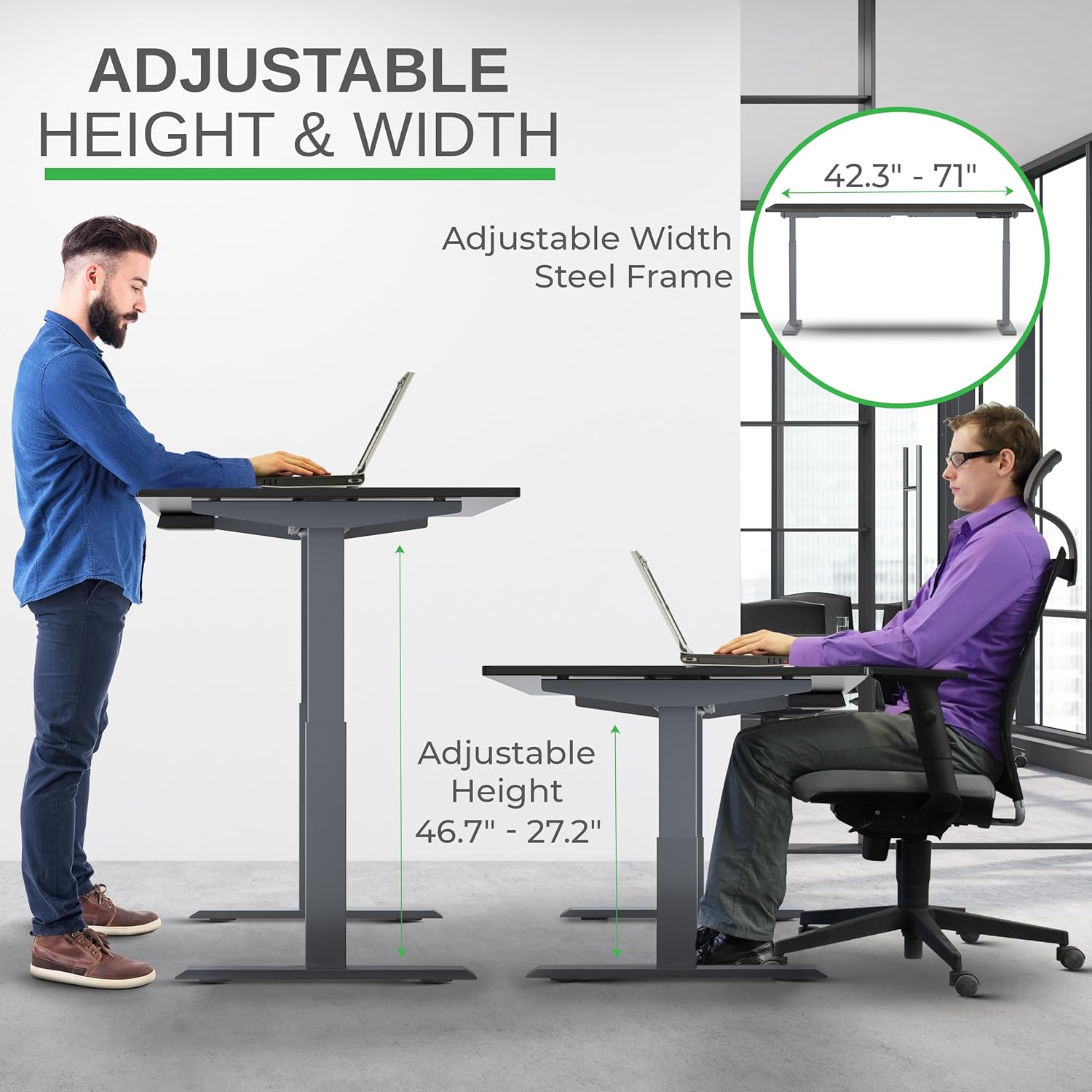
Image: Illustration of the adjustable height and width features of the desk frame, highlighting the range from 27.2" to 46.7" in height and 42.3" to 71" in width.
步驟 3:連接桌面
Carefully place the bamboo desktop upside down on a soft surface. Position the assembled desk frame onto the desktop, aligning the pre-drilled holes (if any) or marking new ones. Secure the desktop to the frame using the provided screws. The solid bamboo desktop is designed to accept screws without chipping.

Image: The Rise Up desk illustrating its adjustable height range from 27.2 inches to 46.7 inches, with a chair shown at both sitting and standing heights.
Step 4: Connect the Control Box and Cables
Mount the control box and control panel to the underside of the desktop as indicated in the assembly guide. Connect all motor cables and the power cable to the control box. Ensure all connections are secure.
圖片:特寫 view of the dual motors and two-stage lifting columns, indicating fast and quiet operation.
操作說明
高度調節
Use the up (▲) and down (▼) arrows on the control panel to adjust the desk to your desired height. The current height in centimeters will be displayed on the LCD screen.

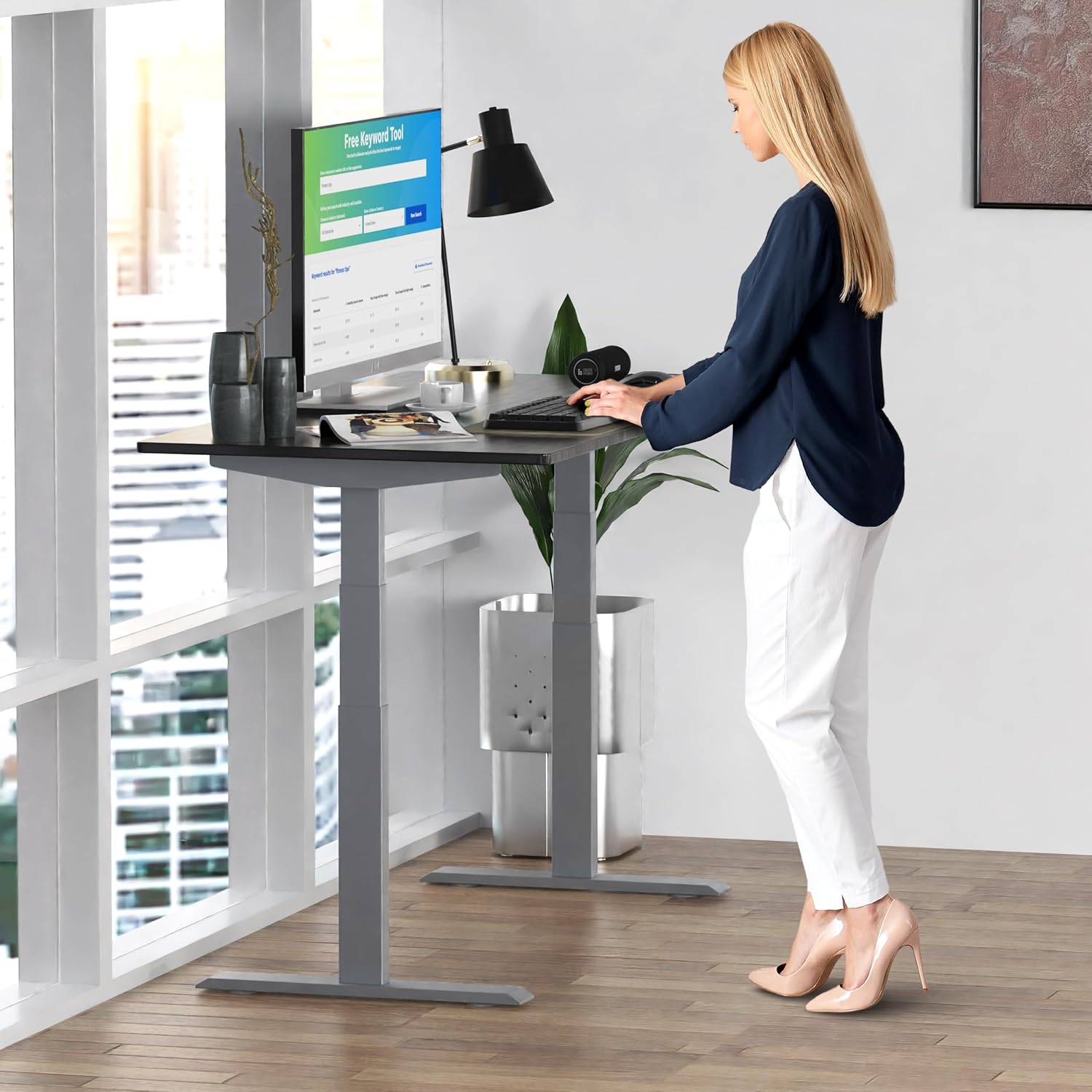
Image: A person standing at the Rise Up Electric Standing Desk, demonstrating the ease of height adjustment for an ergonomic work setup.
記憶預設
The control panel features four memory presets (1, 2, 3, 4) to save your preferred sitting and standing heights.
- 使用上下箭頭將桌子調整到您想要的高度。
- Press and hold the "M" button until the LCD screen flashes.
- Immediately press the number button (1, 2, 3, or 4) where you want to save the current height.
- To recall a saved height, simply press the corresponding number button. The desk will automatically adjust to that position.
Video: This video demonstrates how to set and use the memory presets on the Rise Up Electric Standing Desk control panel for quick height adjustments.
重置程序
If the desk is not adjusting properly, or if the LCD screen displays an error message like "ASR" or "000", a motor reset may be required. This procedure is simple and fast:
- Unplug all cables from the desk.
- Allow the desk to rest for a few seconds to dissipate any residual electricity.
- Plug all cables back in securely.
- Press and hold both the up (▲) and down (▼) arrows simultaneously for approximately 20-30 seconds.
- The desk will drop to its lowest position and then beep, indicating that the reset procedure is complete.
Video: This video provides a step-by-step guide on how to reset the motors of your Rise Up Electric Standing Desk if it encounters adjustment issues or displays error codes.
維護
定期保養可確保您的辦公桌使用壽命長久並發揮最佳性能:
- 打掃: 用軟布擦拭桌面和邊框。amp 布料。避免使用刺激性化學物質或研磨性清潔劑。
- 纜線管理: Periodically check that all cables are neatly organized and not pinched or tangled.
- 緊固件: 定期檢查所有螺絲和螺栓,確保它們保持緊固狀態。如有必要,請重新擰緊。
故障排除
| 問題 | 可能的原因 | 解決方案 |
|---|---|---|
| Desk does not move / LCD shows "ASR" or "000" | Motor error or system needs reset. | Perform the "Reset Procedure" as described in the Operating Instructions section. |
| Uneven movement or noise | Loose connections or uneven load. | Check all cable connections. Ensure the desk load is evenly distributed. Perform a reset. |
| Desk stops mid-adjustment | Overload protection activated or anti-collision engaged. | Reduce the weight on the desk. Check for obstructions. Wait a few minutes and try again. |
規格
| 特徵 | 細節 |
|---|---|
| 型號 | RU2gbk48 |
| 桌面素材 | Solid Bamboo (Black) |
| 鏡框材質 | Alloy Steel (Gray) |
| 桌面尺寸 | 48 inches (D) x 30 inches (W) |
| 可調高度範圍 | 27.2英寸 - 46.7英寸 |
| 可調寬度範圍 | 42英寸 - 71英寸 |
| 馬達類型 | 雙馬達 |
| 承重能力 | 250 磅(113 公斤) |
| 特色 | Anti-collision technology, 4 memory presets |
保固和支持
The Uncaged Ergonomics Rise Up Electric Standing Desk comes with a 5-year warranty on the electric components and frame. For technical support, warranty claims, or any questions regarding your product, please visit our web網站或聯絡我們的客戶服務團隊。
Web地點: UncgedErgonomics.com