
ANNTLENT N30-PY
ANNTLENT 手機訊號增強器使用手冊
Model: N30-PY
1. 產品結束view
The ANNTLENT N30-PY Cell Phone Signal Booster is designed to enhance 5G and 4G LTE signals for all major carriers operating on Band 5, 12, 13, and 17. This system provides improved cellular coverage up to 4,500 square feet, ensuring stronger signals, faster data speeds, fewer dropped calls, and better voice quality within your home or office environment.
Key features include automatic gain control (ALC) for stable signal performance, low energy consumption, LED indicators for operational status, and an accompanying mobile application to assist with installation and signal optimization.
2. 包裝內容
請確認您的包裹中是否包含以下所有組件:
- N30 Booster
- Outside Directional Antenna (Yagi Antenna)
- Inside Panel Antenna
- 窗戶入口電纜
- 3 Longer Cables (2 x 16', 1 x 33')
- 電源
- 防水膠帶
- 線纜管理膠帶

圖 2.1:包裝內容
3. 設定與安裝
Proper installation is crucial for optimal performance. Please follow these steps carefully. The ANNTLENT APP is highly recommended for guiding you through the installation process, especially for finding the optimal direction for the outdoor antenna.
3.1 安裝前檢查清單
- Check Your Band: Before purchase and installation, ensure your phone's frequency band is compatible (Band 5, 12, 13, or 17).
- 室外訊號強度: The booster requires at least 1 bar of existing signal outside your house to function effectively.
- 天線分離: Maintain a minimum vertical separation of 25 feet or a horizontal separation of 50 feet between the outdoor and indoor antennas. Ensure they do not face each other.
3.2 安裝步驟
- Install Outdoor Antenna: Mount the directional yagi antenna in an elevated location outside your home (e.g., roof, pole) where the signal is strongest. Use the ANNTLENT APP to find the direction of the closest cell tower for precise aiming.
- 佈線電纜: Connect the outdoor antenna to the booster unit using the provided cables. Utilize the flat window entry cable to route the cable from outside to inside without drilling, if preferred. Use waterproof tape for outdoor connections to protect against elements.
- 安裝室內天線: Place the indoor panel antenna in a central location within the area where you need improved signal. Ensure it is sufficiently separated from the outdoor antenna.
- Connect Booster Unit: Connect the indoor antenna to the booster unit.
- 開機: Connect the power supply to the booster unit and plug it into a power outlet. The booster will power on and begin operation.

Figure 3.1: System Components and Setup

Figure 3.2: Installation Convenience Features
4. 操作說明
Once installed and powered on, the ANNTLENT N30-PY booster operates automatically to optimize your cellular signal.
4.1 Automatic Gain Control (ALC)
The booster features built-in ALC (Automatic Level Control) technology. This system detects the existing signal strength and automatically adjusts its performance to prevent overloads and ensure stable operation. This intelligent adjustment helps maintain consistent signal quality without manual intervention.

Figure 4.1: Internal Smart Functions
4.2 LED 指示燈
The booster unit is equipped with smart signal lights that indicate its operational status and signal strength. Refer to the specific LED patterns in the full user guide for detailed interpretations. These lights help you quickly determine if the booster is functioning correctly.
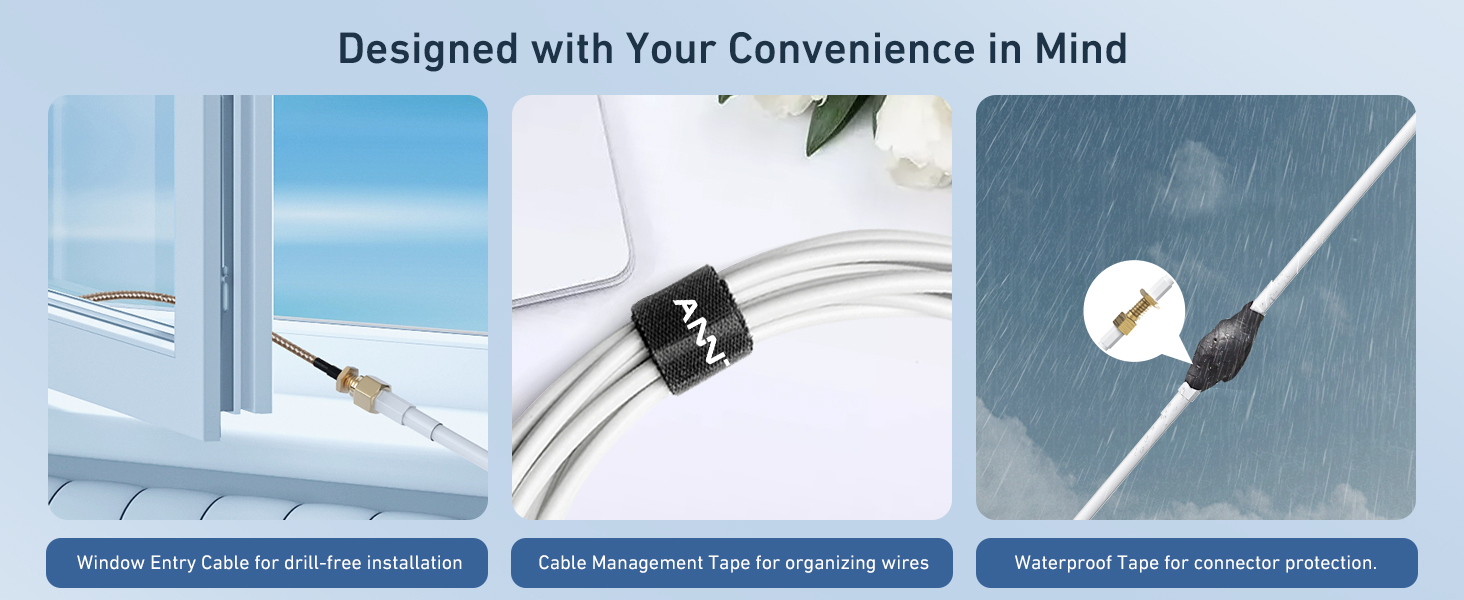
Figure 4.2: Signal Status Indicators
4.3 Low Power Sleep Mode
To conserve energy, the booster automatically switches to a low power sleep mode when no active cellular usage is detected. This feature ensures energy efficiency and extends the lifespan of the device.

Figure 4.3: Energy Saving Sleep Mode
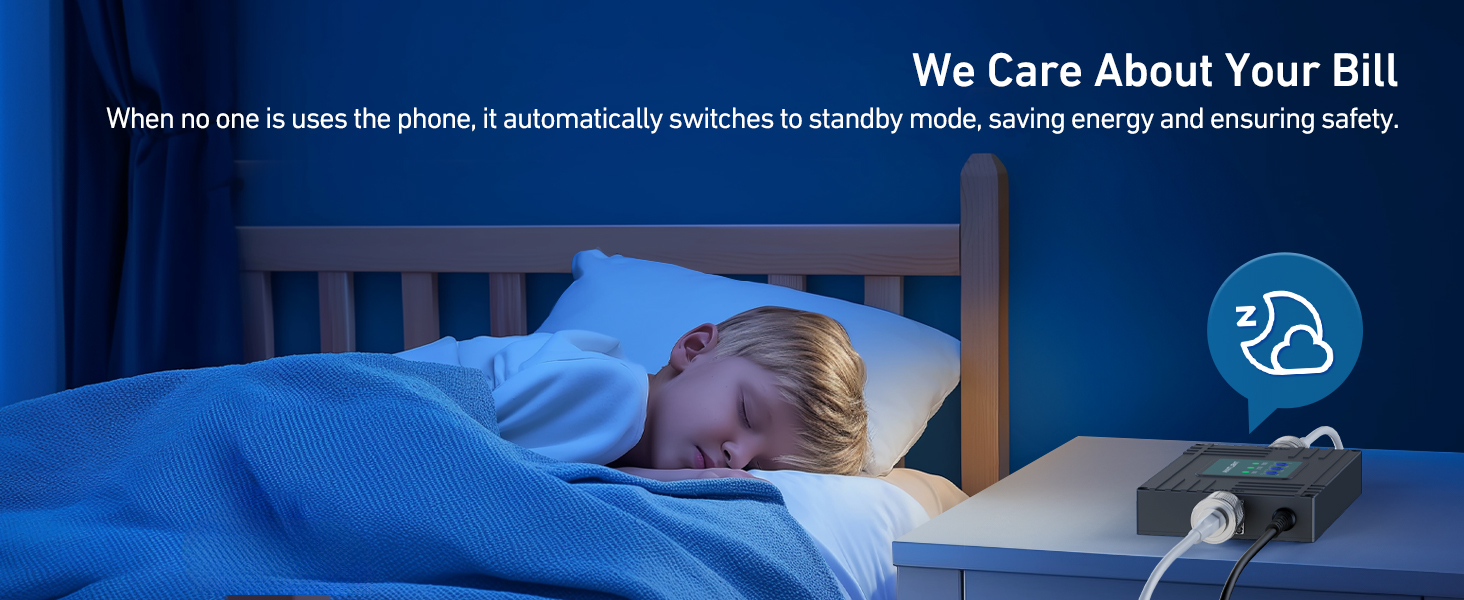
Figure 4.4: Automatic Standby for Energy Saving
4.4 Manual Gain Adjustment
In environments with very strong outdoor signals, you may manually adjust the gain settings on the booster unit to optimize performance and prevent signal saturation. Refer to the detailed instructions in the full user guide for proper adjustment procedures.
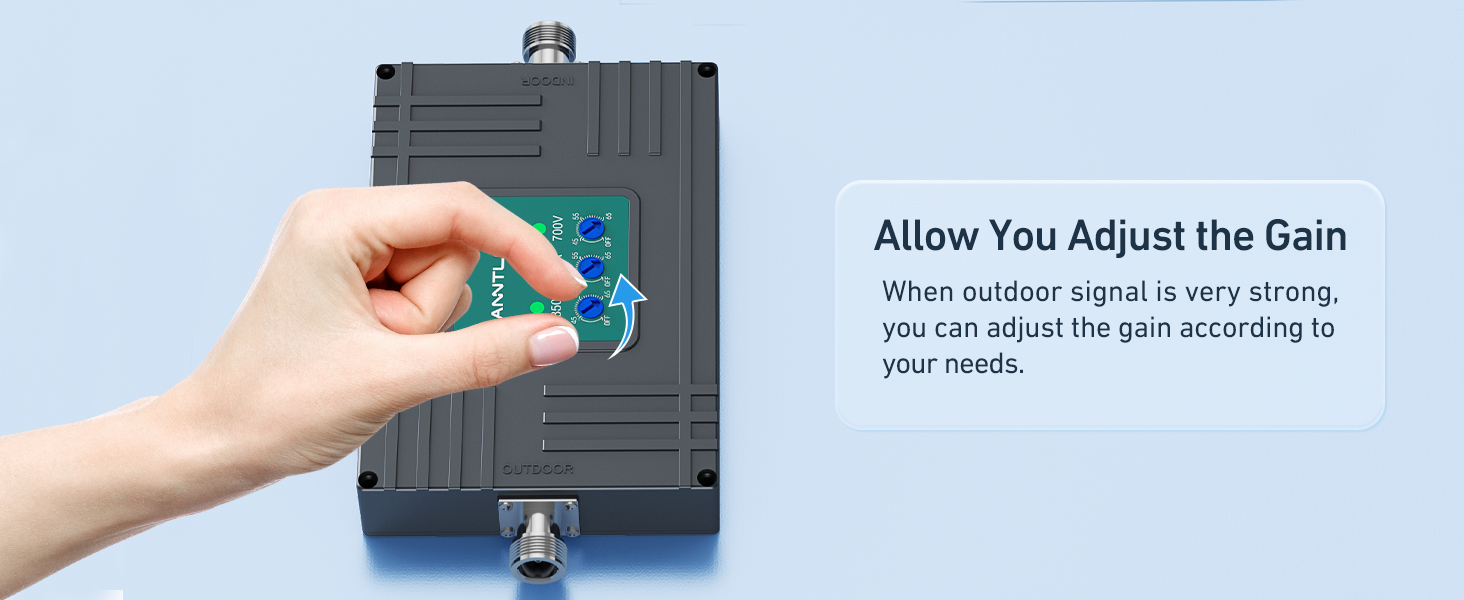
Figure 4.5: Manual Gain Adjustment
5、維護保養
The ANNTLENT N30-PY signal booster is designed for minimal maintenance. To ensure longevity and consistent performance:
- 保持連線安全: Periodically check all cable connections, especially outdoor ones, to ensure they are tight and protected with waterproof tape.
- 清潔組件: Gently wipe the booster unit and antennas with a dry, soft cloth to remove dust. Do not use liquid cleaners.
- 避免障礙物: Ensure that the indoor and outdoor antennas remain free from physical obstructions that could interfere with signal transmission.
6。 故障排除
If you experience issues with your signal booster, consider the following common solutions:
6.1 No Signal Improvement / Weak Signal
- Outdoor Signal: Confirm you have at least 1 bar of usable signal outside your home. The booster amp它能增強現有訊號,但不會創造訊號。
- 天線分離: Ensure sufficient isolation between the outdoor and indoor antennas (minimum 25 ft vertical or 50 ft horizontal). Insufficient separation can lead to oscillation and reduced performance.
- 天線瞄準: Use the ANNTLENT APP to precisely aim the outdoor antenna towards the nearest cell tower. Even small adjustments can significantly impact performance.
- 電纜連接: Check all cable connections to ensure they are secure and properly tightened.
- Band Compatibility: Verify that your carrier's frequency band is supported by the N30-PY booster (Band 5, 12, 13, 17).

Figure 6.1: Signal Requirement for Booster Operation
6.2 Using the ANNTLENT APP for Troubleshooting
The ANNTLENT APP provides valuable tools for diagnosing and resolving issues:
- 安裝視頻: 觀看逐步影片教學。
- Signal Strength & Band Display: View real-time signal strength and identify the active frequency band.
- Cell Tower Locator: Helps pinpoint the direction of the nearest cell tower for optimal antenna aiming.
- 客戶支援: Direct access to support resources.

Figure 6.2: ANNTLENT Signal Advisor APP
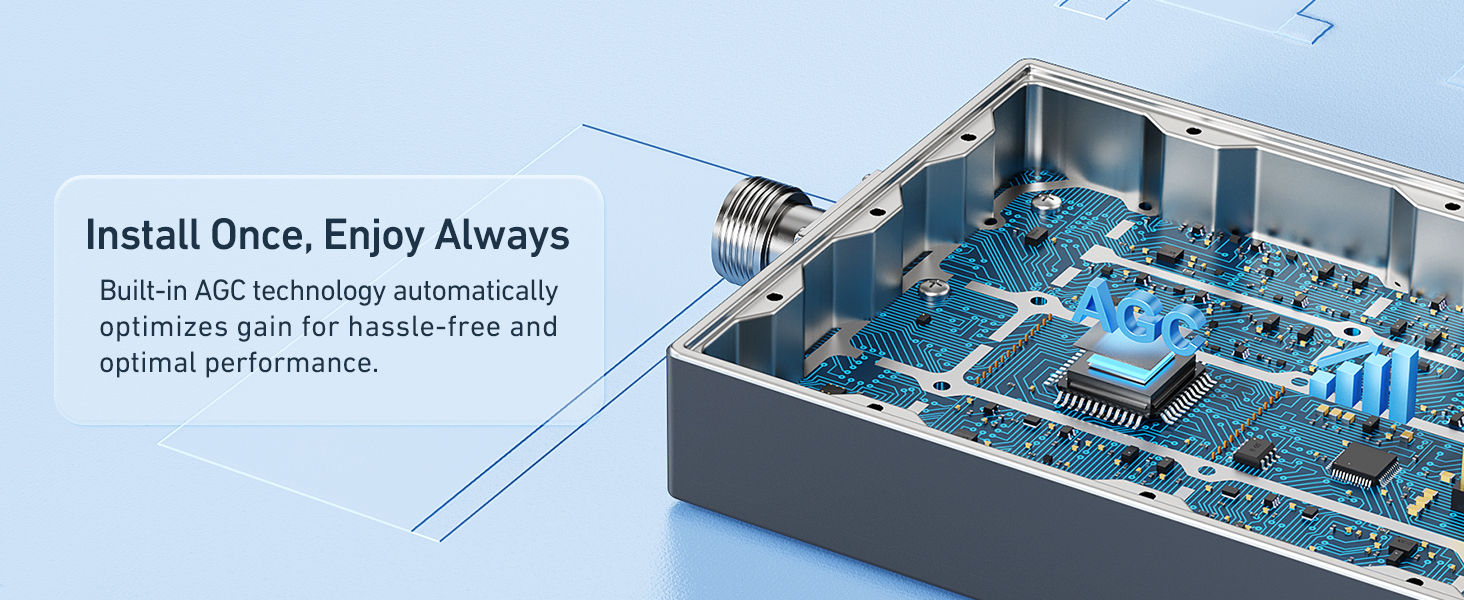
Figure 6.3: APP Features for Setup and Troubleshooting
6.3 Checking Band Information on Your Phone
To confirm your phone's active band, use the following methods:
- 對於iOS設備:
- 撥號 *3001#12345#*
- Tap "Serving Cell Info"
- Check "Band Info"
- 對於 Android 裝置:
- Download "Network Cell Info Lite" from the app store.
- Choose "GAUGE"
- Check "Band"

Figure 6.4: Checking Band Info on iOS

Figure 6.5: Checking Band Info on Android
7. 規格
| 特徵 | 細節 |
|---|---|
| 型號 | N30-PY |
| 支援的頻段 | Band 5, 12, 13, 17 (Tri-Band) |
| 覆蓋範圍 | 高達 4,500 平方英尺 |
| 尺寸(包裝) | 14.61 x 8.78 x 5.28 英寸 |
| 物品重量 | 4.73磅 |
| 特色 | LED Indicator, APP Help Install, Automatic Gain Control (ALC) |
| 連接器類型 | N型 |
| 製造商 | ANNTLENT Ltd. |

Figure 7.1: FCC Approval Information
8. 保固和支持
ANNTLENT stands behind the quality of its products. The N30-PY Cell Phone Signal Booster comes with the following guarantees:
- 30天退款保證: 如果您對購買的商品不滿意,可以在 30 天內退貨並獲得全額退款。
- 3個月更換: In case of defects or malfunctions within the first 3 months, a replacement unit will be provided.
- Up to 3-Year Manufacturer Repair: The product is covered by a manufacturer repair warranty for up to 3 years from the date of purchase.
For technical assistance, troubleshooting, or warranty claims, please contact ANNTLENT customer support. You can also utilize the ANNTLENT APP for direct access to support resources.
Ask a question about this manual
Ask about setup, troubleshooting, compatibility, parts, safety, or missing instructions. Manuals+ will review the question and use this page’s manual context to help answer it.