
EUG SP-05
EUG Native 1080P Full HD Projector User Manual
型號:SP-05
一、簡介
This manual provides comprehensive instructions for the setup, operation, and maintenance of your EUG Native 1080P Full HD Projector (Model SP-05). This projector is designed to deliver a high-quality visual experience with its true native 1920x1080 resolution, 7500 lumens brightness, and 7500:1 dynamic contrast ratio. It features integrated Android OS, WiFi, and Bluetooth connectivity, making it suitable for various entertainment and presentation needs. Please read this manual thoroughly before using the projector to ensure proper functionality and longevity.

Figure 1: EUG Native 1080P Full HD Projector (Model SP-05)
The image displays the EUG Native 1080P Full HD Projector, a white rectangular device with a prominent lens on the front. Icons above it indicate Bluetooth, 200" Display, WiFi, and Android OS capabilities. Various streaming service logos (Netflix, Disney+, Apple TV+, YouTube) are shown projected, along with a smartphone mirroring its screen to the projector.
2. 設置指南
2.1 開箱及放置
Carefully remove the projector and all accessories from the packaging. Place the projector on a stable, flat surface. Ensure adequate ventilation around the unit to prevent overheating. For optimal projection, position the projector directly in front of the screen or wall.
2.2 電源連接
Connect the power cable to the projector's power input port and then plug it into a standard electrical outlet. Press the power button on the projector or remote control to turn on the device.
2.3 對焦和梯形校正
Adjust the focus ring located around the lens until the projected image is clear and sharp. If the image appears trapezoidal (wider at the top or bottom), use the 4D/4P keystone correction feature to adjust the image shape. This can be done via the projector's menu settings, allowing independent adjustment of each corner or vertical/horizontal correction.
Figure 2: Flexible Image Adjustment with 4-Point Keystone Correction
This image illustrates the projector's keystone correction capabilities, showing how a distorted image can be corrected horizontally and vertically by up to ±50 degrees. It also highlights the 4-Point trapezoidal correction feature, allowing for precise adjustments from various angles.
2.4 網路連線(WiFi)
To access online content and smart features, connect the projector to your wireless network:
- 在投影機的介面上,找到「設定」選單。
- Select "Network Settings" or "WiFi Settings."
- 從清單中選擇您想要的WiFi網路。
- Enter the network password using the on-screen keyboard and confirm.
Video 1: Smart Home Theatre Projector with WiFi Bluetooth
This video demonstrates the setup process for the EUG projector, including connecting to a WiFi network and showcasing its various features like Android OS, Bluetooth, 1080P resolution, HDMI-in, USB, and wireless casting. It also shows the projector's lens and connectivity ports.
2.5 藍牙連接
The projector supports Bluetooth for connecting external audio devices such as speakers or headphones:
- 請確保您的藍牙音訊設備處於配對模式。
- On the projector, go to "Settings" and select "Bluetooth Settings."
- 掃描可用設備,並從清單中選擇您的音訊設備。
- 確認配對。
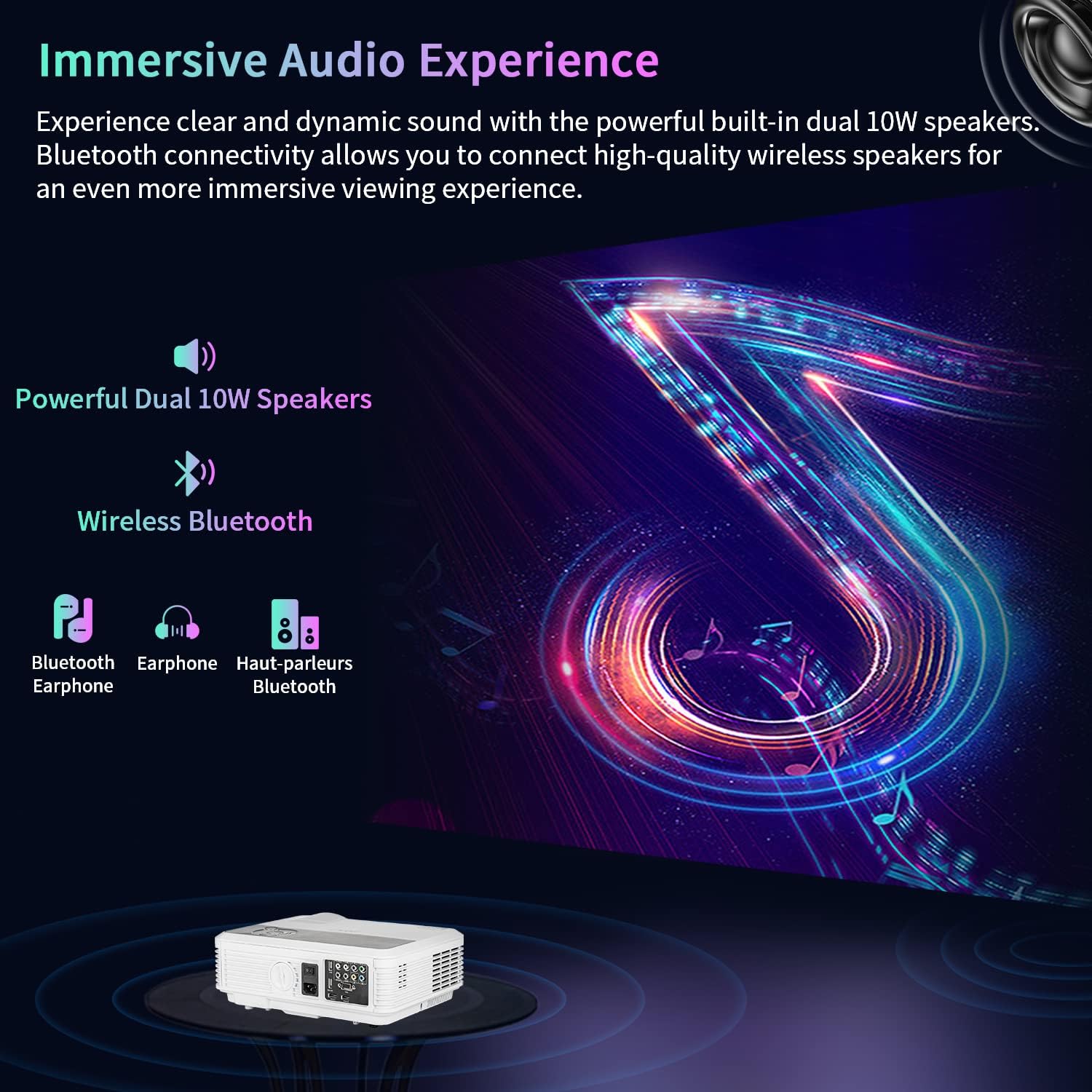
Figure 3: Immersive Audio Experience with Bluetooth Connectivity
This image highlights the projector's dual 10W built-in speakers and its wireless Bluetooth connectivity, allowing users to connect external Bluetooth speakers or headphones for an enhanced audio experience. The visual depicts sound waves emanating from the projector and connecting to external audio devices.
2.6 連接外部設備
此投影機提供多個輸入端口,可連接各種設備:
- HDMI接口: Connect laptops, gaming consoles (PS5, XBOX), TV sticks (Fire Stick), or Blu-ray players.
- USB: Play media directly from USB drives or connect USB peripherals like keyboards and mice.
- VGA: 連接舊式電腦或筆記型電腦。
- 音頻輸出: 連接外部有線揚聲器或音響系統。
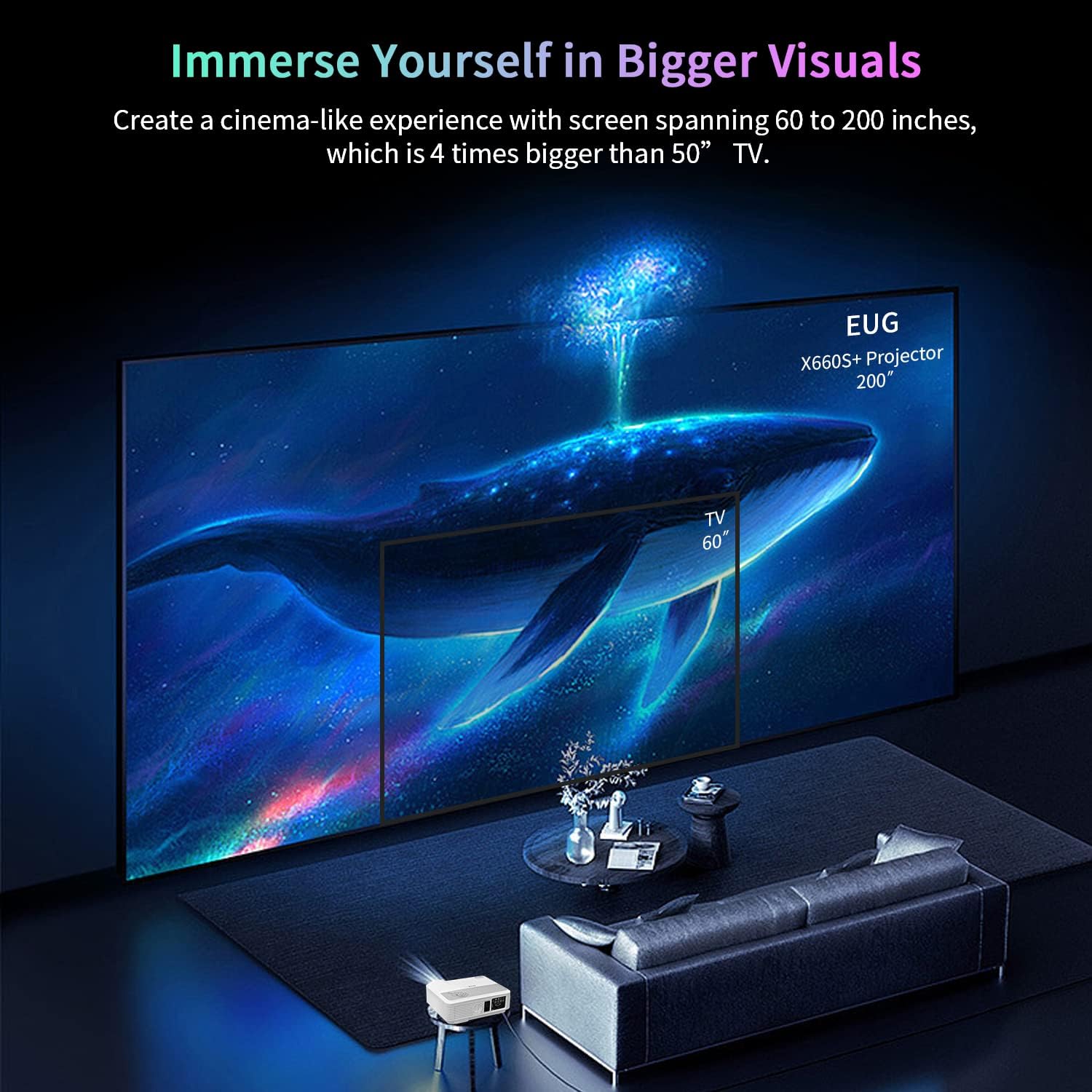
Figure 4: Upgraded Rich Device Connections
This image displays the rear panel of the projector, showcasing its various input and output ports including HDMI, USB, VGA, and Audio. It also illustrates common devices that can be connected, such as PCs, laptops, USB drives, speakers, TV sticks, gaming consoles (PS5, XBOX), DVD players, smartphones, tablets, and cameras.
3. 操作說明
3.1 Android OS and Streaming
The integrated Android OS allows direct access to various applications. Once connected to WiFi, you can download and use streaming apps like YouTube, Netflix, Hulu, and more directly on the projector without needing an external device.
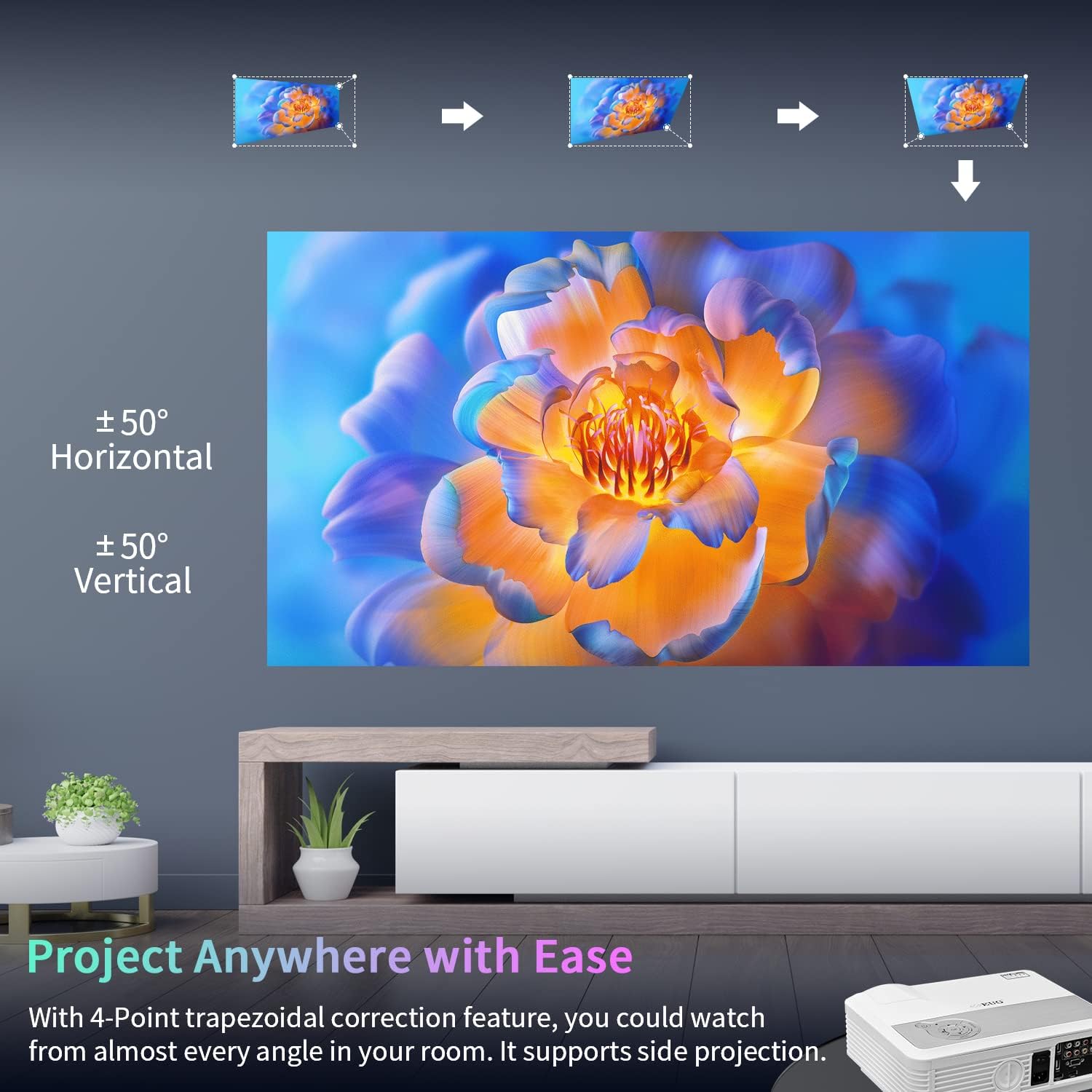
Figure 5: Android OS, Endless Entertainment
This image shows a collage of popular app logos (NBC, NBA, Spotify, Hulu, Twitch, YouTube, Netflix), indicating the variety of streaming and entertainment applications accessible directly through the projector's built-in Android operating system.
3.2 Screen Mirroring (Wireless Cast)
Effortlessly share content from your iOS or Android phone/tablet to the projector via WiFi mirroring (Miracast, AirPlay, DLNA). This feature allows you to display your device's screen on the large projection without cables.
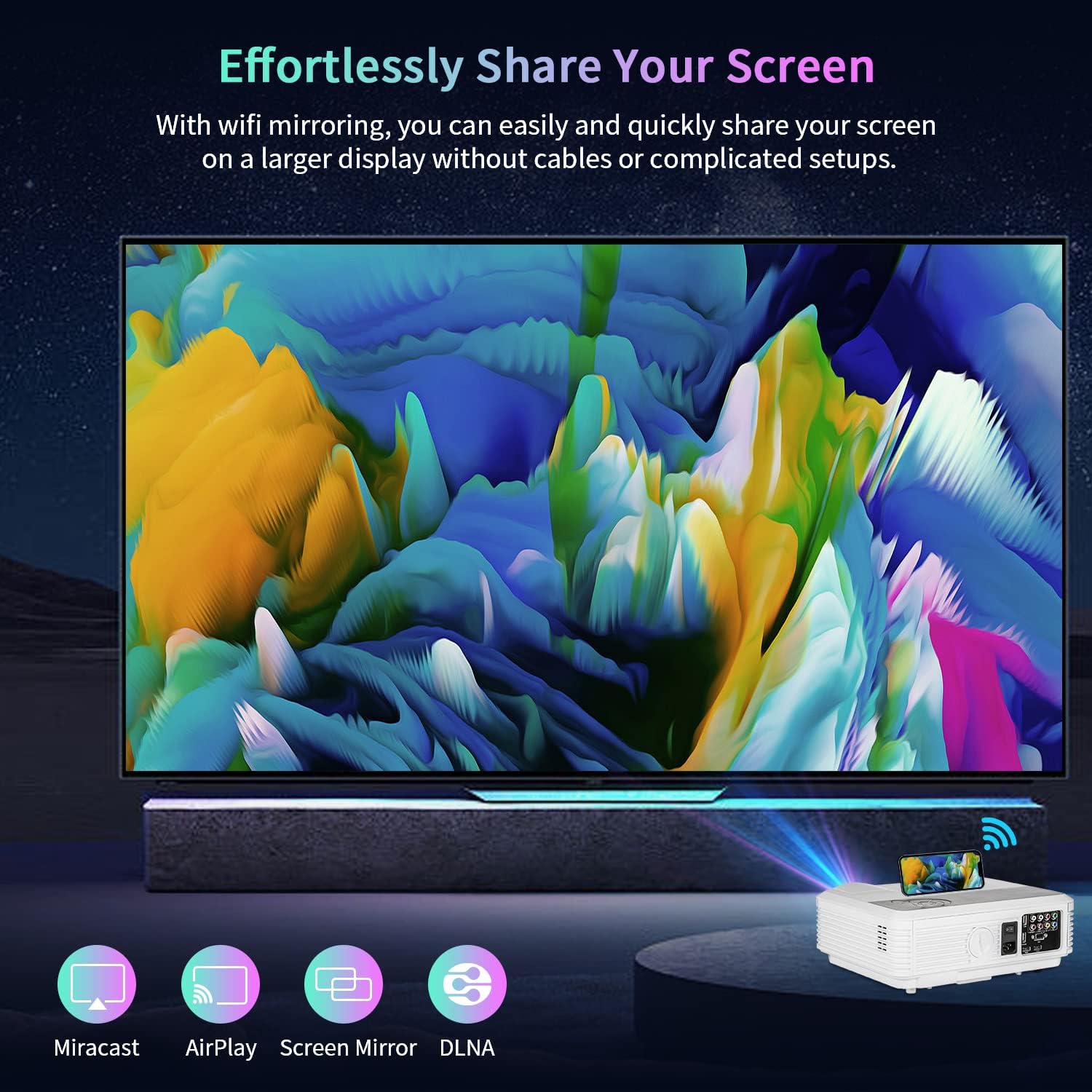
Figure 6: Effortlessly Share Your Screen
The image illustrates the screen mirroring capability of the projector, showing a smartphone wirelessly casting its display to a large projected screen. Icons for Miracast, AirPlay, Screen Mirror, and DLNA are present, indicating compatibility with various wireless casting protocols.
3.3 顯示尺寸調整
The projector supports a display size ranging from 50 inches to a maximum of 200 inches. Adjust the distance between the projector and the screen to achieve your desired screen size. The optimal viewing experience is achieved within this range.
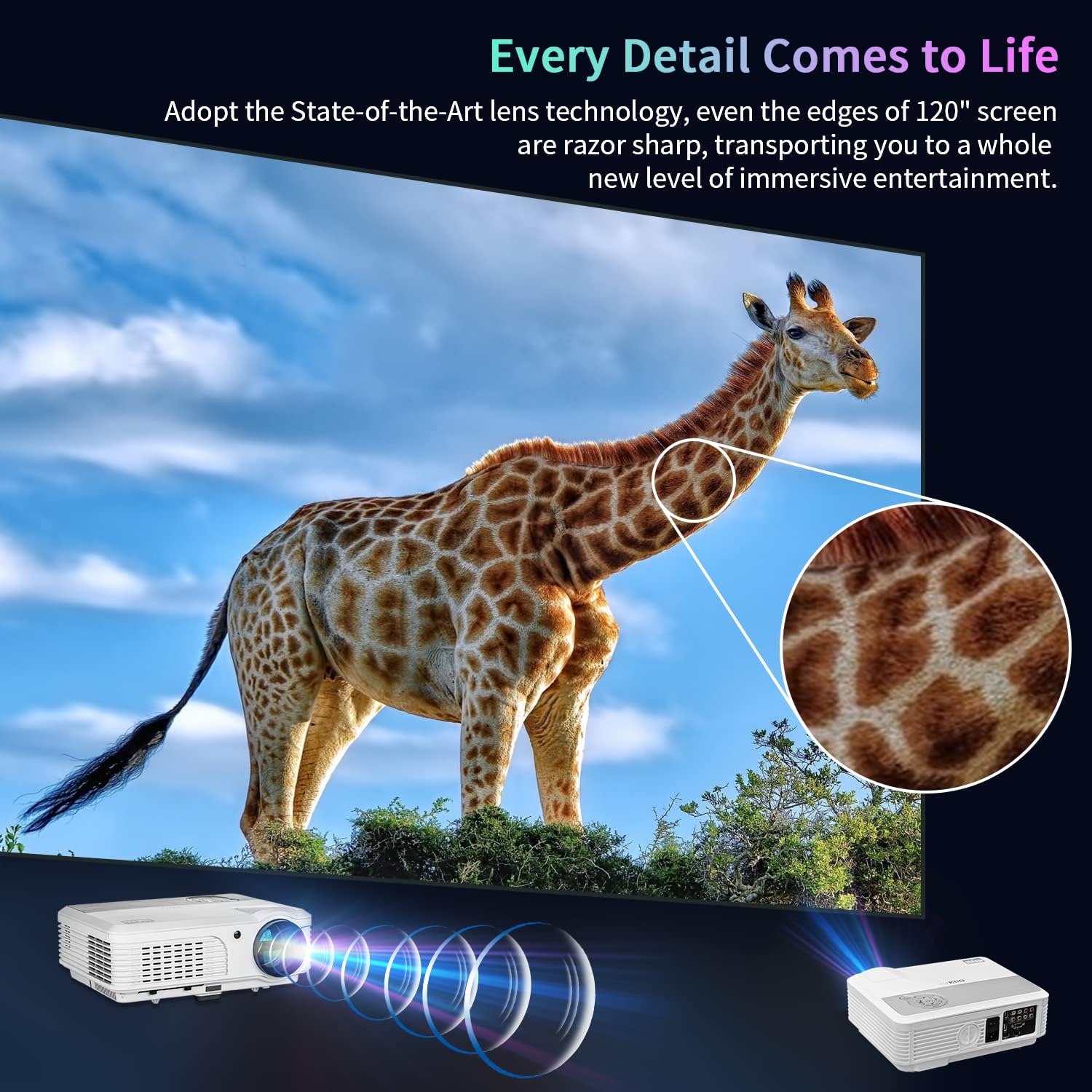
Figure 7: Every Detail Comes to Life
This image emphasizes the clarity and detail of the projected image, showcasing a giraffe on a large screen. It highlights the state-of-the-art lens technology that ensures razor-sharp edges even on a 120" screen, providing an immersive entertainment experience.
4、維護保養
為確保投影機的使用壽命和最佳效能,請遵循以下維護指南:
- 打掃: Regularly clean the lens with a soft, lint-free cloth specifically designed for optical surfaces. Do not use abrasive cleaners. Keep the projector's vents clear of dust and debris to maintain proper airflow.
- Lamp 生活: 投影儀 lamp has an extended lifespan of up to 50,000 hours. This significantly reduces the need for frequent lamp 替代品。
- 貯存: 長時間不使用時,請將投影機存放在陰涼乾燥處,避免陽光直射和極端溫度。
5。 故障排除
If you encounter issues with your EUG projector, please refer to the following common troubleshooting steps:
| 問題 | 可能的原因 | 解決方案 |
|---|---|---|
| 未投射影像。 | 電源未連接,輸入來源錯誤,鏡頭蓋已蓋上。 | 檢查電源連接,選擇正確的輸入來源(HDMI、USB),取下鏡頭蓋。 |
| 模糊或不清晰的影像 | 失焦,梯形校正錯誤。 | Adjust focus ring, use keystone correction in settings. |
| 沒有聲音 | Volume too low, external audio device not connected/paired, audio settings incorrect. | Increase volume, check Bluetooth connection or audio cable, verify audio output settings. |
| 無法連接到WiFi | 密碼錯誤、超出範圍、網路問題。 | Re-enter password, move projector closer to router, restart router. |
| 遙控器不起作用 | Dead batteries, obstructed signal. | 更換電池,並確保遙控器和投影機之間沒有障礙物。 |
如果嘗試這些步驟後問題仍然存在,請聯絡客戶支援以獲得進一步協助。
6. 規格
| 特徵 | 細節 |
|---|---|
| 品牌 | 超音波檢查 |
| 型號 | SP-05 |
| 顯示解析度 | 1920 x 1080(原生 1080P) |
| 亮度 | 7500 流明 |
| 對比 | 7500:1 |
| Lamp 生活 | 50,000 小時 |
| 連接技術 | VGA、藍牙、USB、HDMI |
| 作業系統 | 安卓作業系統 |
| 特色 | Built-In Speaker, WiFi, Bluetooth, 4D/4P Keystone Correction, 200" Max Display |
| 揚聲器類型 | Stereo, Built-In (Dual 10W) |
| 物品重量 | 9.98磅 |
| 產品尺寸 | 13.38 x 10.43 x 4.92 英寸 |
| 顏色 | 白色的 |
| 推薦用途 | Home Theater, Video Games, Parties, Presentations |
7. 保固和支持
For warranty information and technical support, please refer to the contact details provided with your product packaging or visit the official EUG web網站。請保留您的購買收據,作為保固索賠的購買憑證。
Ask a question about this manual
Ask about setup, troubleshooting, compatibility, parts, safety, or missing instructions. Manuals+ will review the question and use this page’s manual context to help answer it.