
一、簡介
This manual provides essential instructions for the proper use and care of your Pentax SMCP-A Zoom 35-80mm f/4.0-5.6 Lens. Please read this manual thoroughly before using the lens to ensure optimal performance and longevity.
2. 產品結束view
The Pentax SMCP-A Zoom 35-80mm f/4.0-5.6 is a versatile manual-focus zoom lens designed for Pentax SLR camera bodies. It offers a focal length range suitable for various photographic situations, from wide-angle to short telephoto. Its compact and lightweight design makes it convenient for everyday use.

圖 2.1:側面 view of the Pentax SMCP-A Zoom 35-80mm f/4.0-5.6 Lens, showing the zoom and focus rings.
主要特點:
- 焦距: 35-80mm zoom range.
- 光圈: Variable aperture from f/4.0 at 35mm to f/5.6 at 80mm.
- 重點: Manual focus operation.
- 相容性: Designed for Pentax K-mount SLR camera bodies. Functions as a manual focus lens on Pentax AF SLR cameras.
- 光學結構: 7 elements in 6 groups.
- 隔膜: Fully automatic diaphragm.
- 最短對焦距離: 約 1.3 英尺(0.4 公尺)。
3. Setup: Mounting the Lens
Follow these steps to correctly attach the lens to your Pentax SLR camera body:
- 準備好相機和鏡頭: Ensure both the camera and lens are clean and free of dust. Remove the rear lens cap and the camera body cap.
- Align the Mounts: Locate the red or white alignment mark on the lens barrel and align it with the corresponding mark on your camera's lens mount.
- 安裝鏡頭: Gently insert the lens into the camera's mount. Rotate the lens clockwise (when viewed from the front of the camera) until it clicks into place. Do not force the lens.
- Remove the Front Cap: Once the lens is securely mounted, remove the front lens cap.
To detach the lens, press the lens release button on the camera body and rotate the lens counter-clockwise until it disengages. Replace both lens and body caps immediately after removal to protect the components.

圖 3.1:背面 view of the lens, illustrating the Pentax K-mount for attachment to the camera body.
4. 操作鏡頭
4.1. 縮放
To adjust the focal length, rotate the zoom ring on the lens barrel. The focal length markings (35, 50, 80mm) indicate the current setting. Rotate towards 35mm for a wider field of view and towards 80mm for a narrower, more magnified view.
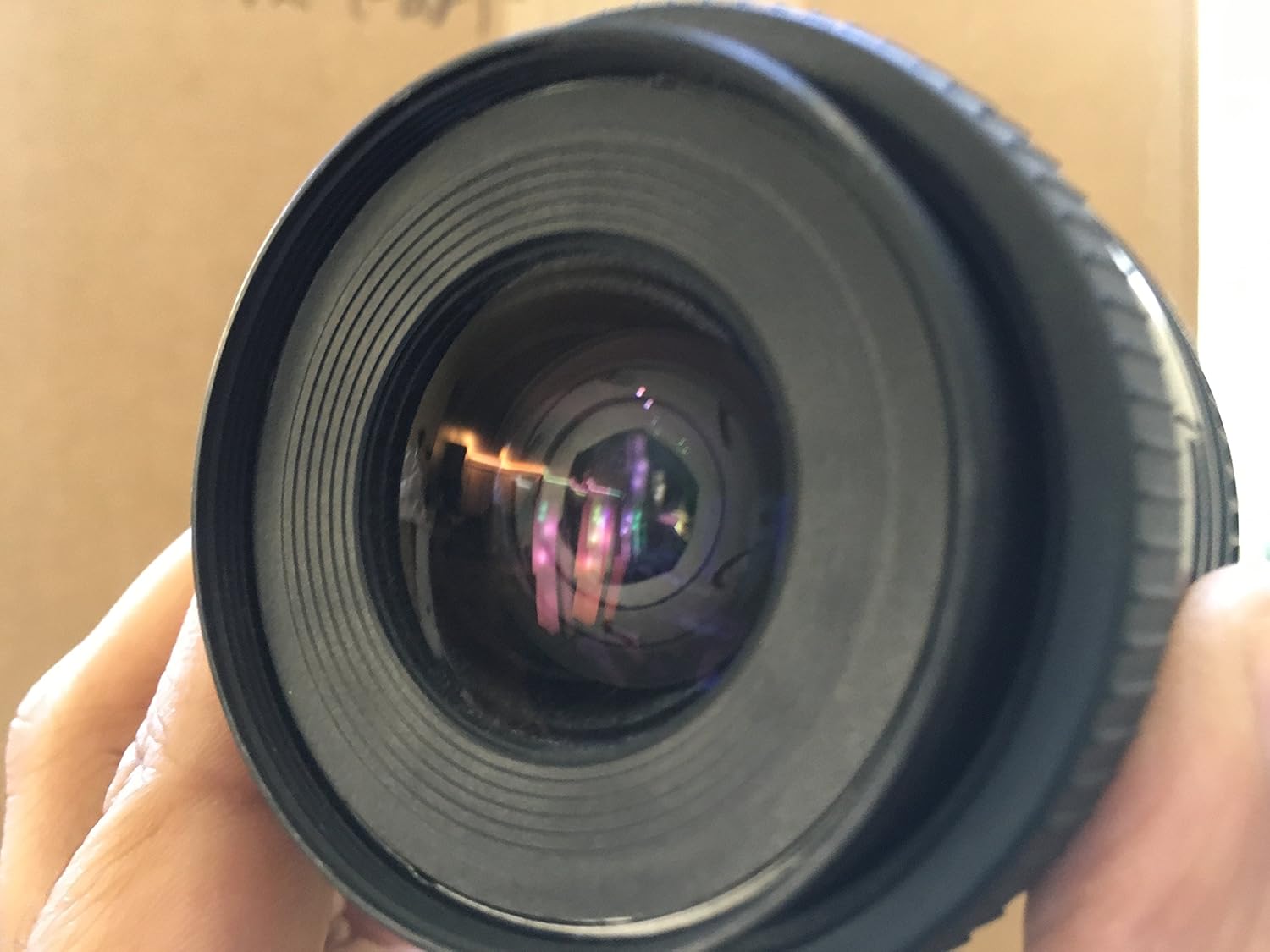
Figure 4.1: The lens barrel showing the zoom ring and focal length indicators.
4.2. 聚焦
這是一支手動對焦鏡頭。要獲得清晰的焦點:
- Look through the camera's view發現者。
- Rotate the focus ring on the lens barrel until your subject appears sharp. Many Pentax SLR cameras include a split-image or microprism focusing screen to assist with manual focusing.
- The distance scale on the lens barrel indicates the approximate focus distance.
Note: When used on Pentax AF SLR camera bodies, this lens will operate in manual focus mode only.

圖 4.2:正面 view of the lens, highlighting the front element and the focus ring.
4.3. 光圈控制
The lens features a fully automatic diaphragm. The aperture value (f/4.0-5.6) is controlled by the camera body. Ensure your camera is set to an appropriate exposure mode (e.g., Aperture Priority, Manual) to control the depth of field and exposure.
5、維護保養
5.1. 清潔鏡頭
- 鏡頭元件: Use a lens blower brush to remove dust. For smudges or fingerprints, use a clean, soft microfiber lens cloth and a small amount of lens cleaning fluid. Apply fluid to the cloth, not directly to the lens.
- 鏡頭筒: Wipe the exterior with a soft, dry cloth. Avoid using harsh chemicals or solvents.
5.2. 儲存
- 不使用鏡頭時,請務必蓋上前後鏡頭蓋。
- 請將鏡頭存放在陰涼乾燥處,避免陽光直射和極端溫度。
- If storing for extended periods, consider using a moisture-absorbing desiccant to prevent mold growth.
6。 故障排除
- 注意力難以集中:
- Ensure the focus ring is being rotated correctly.
- Check your camera's viewfinder for proper diopter adjustment.
- Verify sufficient light for focusing.
- 鏡頭未牢固安裝:
- Confirm alignment marks are matched.
- Ensure no obstructions are present on the lens mount or camera body mount.
- 圖像質量差:
- 清潔前後鏡頭元件。
- Check for proper focus.
- Ensure camera settings (ISO, shutter speed, aperture) are appropriate for the lighting conditions.
7. 規格
| 品牌 | 賓得 |
| 型號 | 27174 |
| 焦距 | 35-80毫米 |
| 最大光圈 | f/4.0 (at 35mm) - f/5.6 (at 80mm) |
| 鏡頭類型 | Zoom, Standard |
| 兼容的安裝 | 賓得K |
| 光學結構 | 7 組 6 個元件 |
| 最小焦距 | 1.3 英尺(0.4 公尺) |
| 物品重量 | 9.1 盎司(約 258 克) |
| 包裝尺寸 | 4.88 x 3.86 x 3.78 英寸 |
8. 保固和支持
For information regarding warranty coverage, service, or technical support, please refer to the documentation provided with your camera body or contact Pentax customer service directly. Contact details can typically be found on the official Pentax website or in your camera's instruction manual.
Pentax is a registered trademark of Ricoh Imaging Company, Ltd.